Chapter 05Page guide
Academy and training pages
Your youth and girls’ programmes, coaching, safeguarding and umpiring pages.
05.1
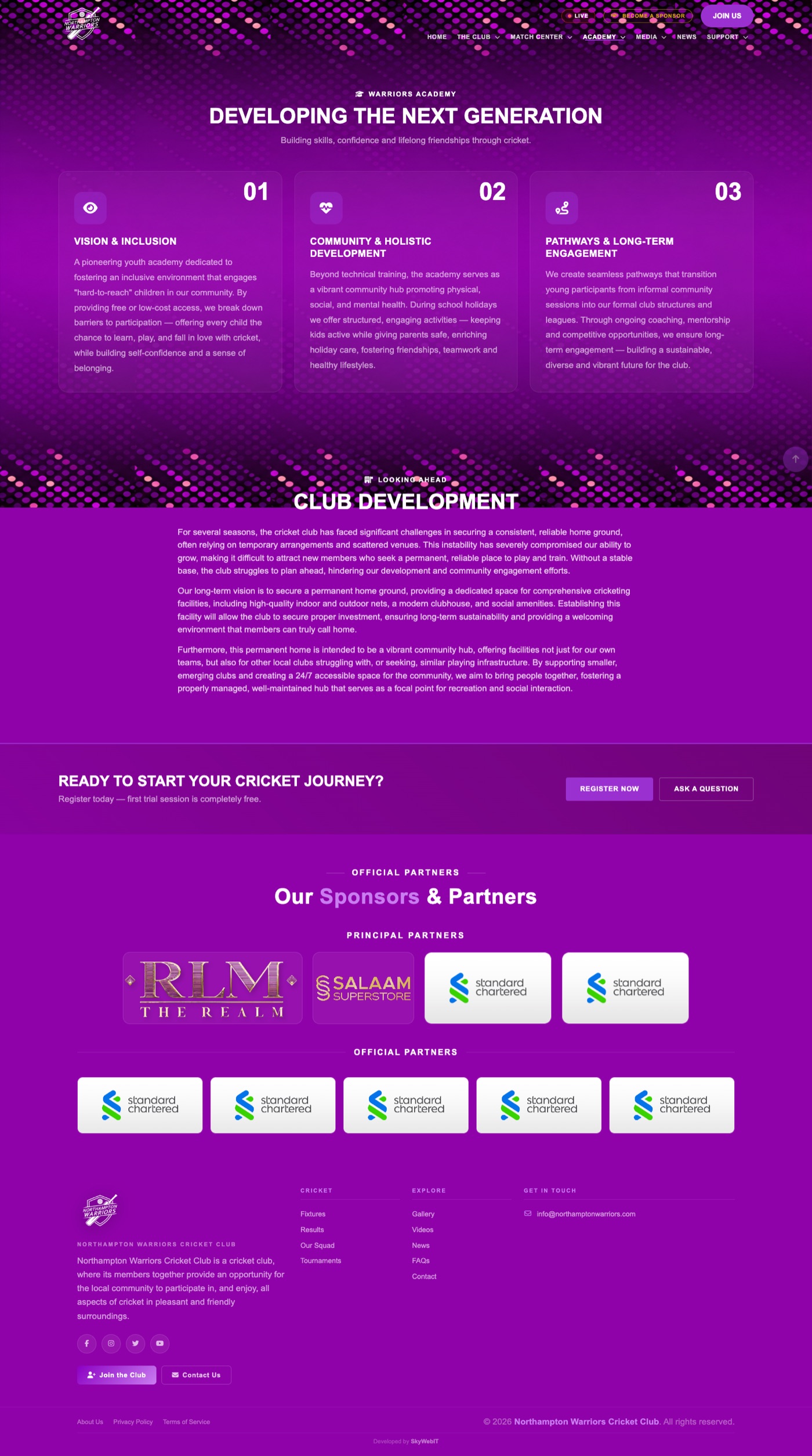
Youth Academy page
Your junior programme — age groups, sessions and how to join.
WhereWebsite›Content & Layout›Site Pages
How to change it
- Sidebar → Website → Site Pages.
- Find Youth academy and click Edit.
- Update the title, intro and page content.
- Click Save.
The three highlighted pillars
WhereSystem›Settings›General
Direct address: /admin/settings/general
The three feature boxes are set by the Academy Pillar 1–3 title, icon and description fields.
05.2
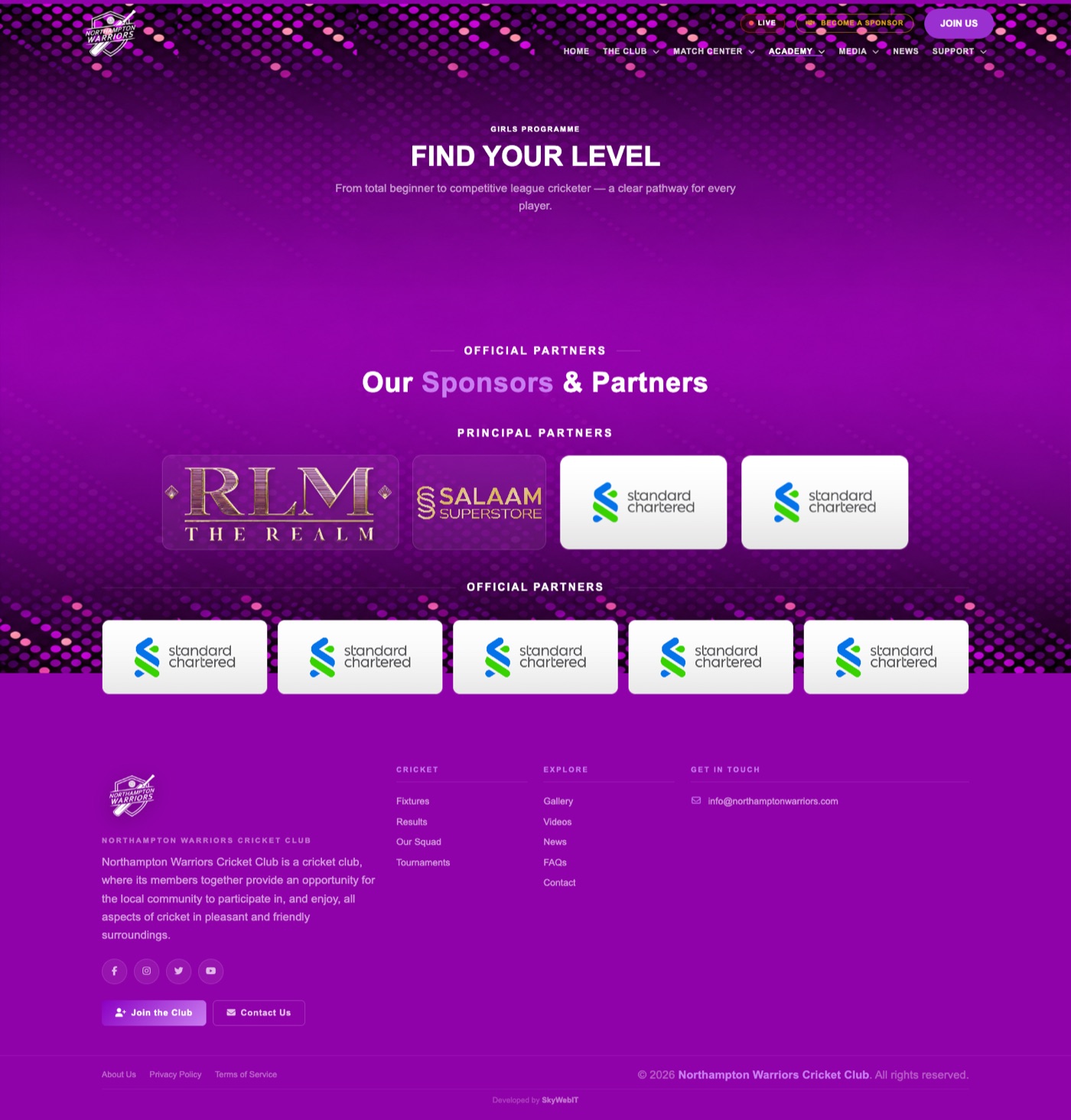
Girls Programme page
Women’s and girls’ cricket — teams, sessions and contacts.
WhereCricket›Club & Community›Girls Academy
How to change it
- Sidebar → Cricket → Girls Academy.
- Click Add New to create one, or Edit on any row to change an existing one.
- Enter the team or group name, age range, description and photo.
- Turn the Active / Published switch on so it shows on the website.
- Click Save, then refresh the public page to check it.
05.3
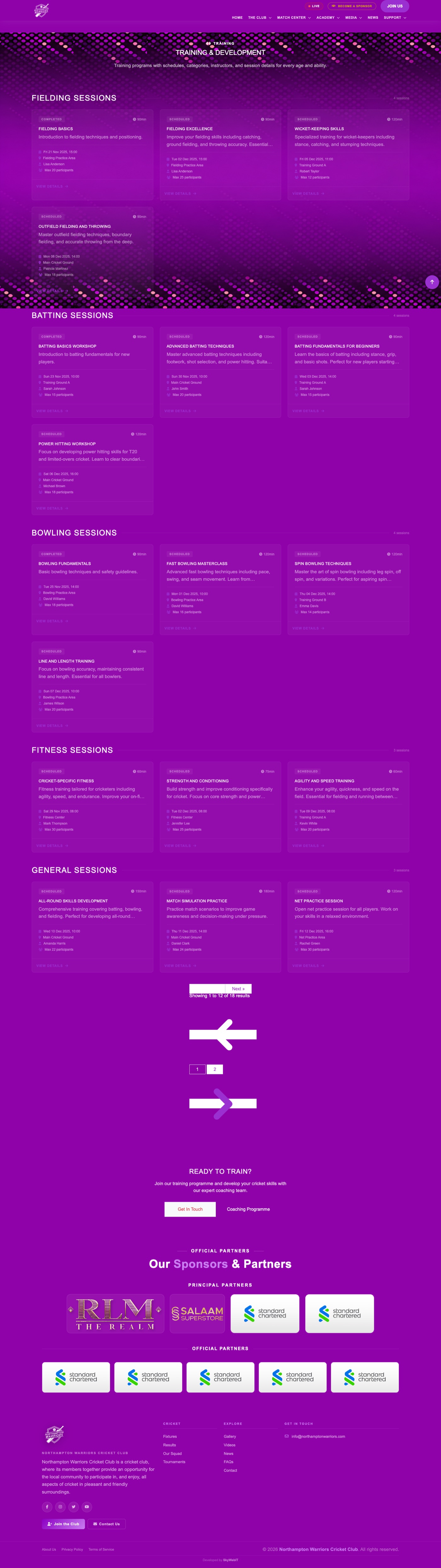
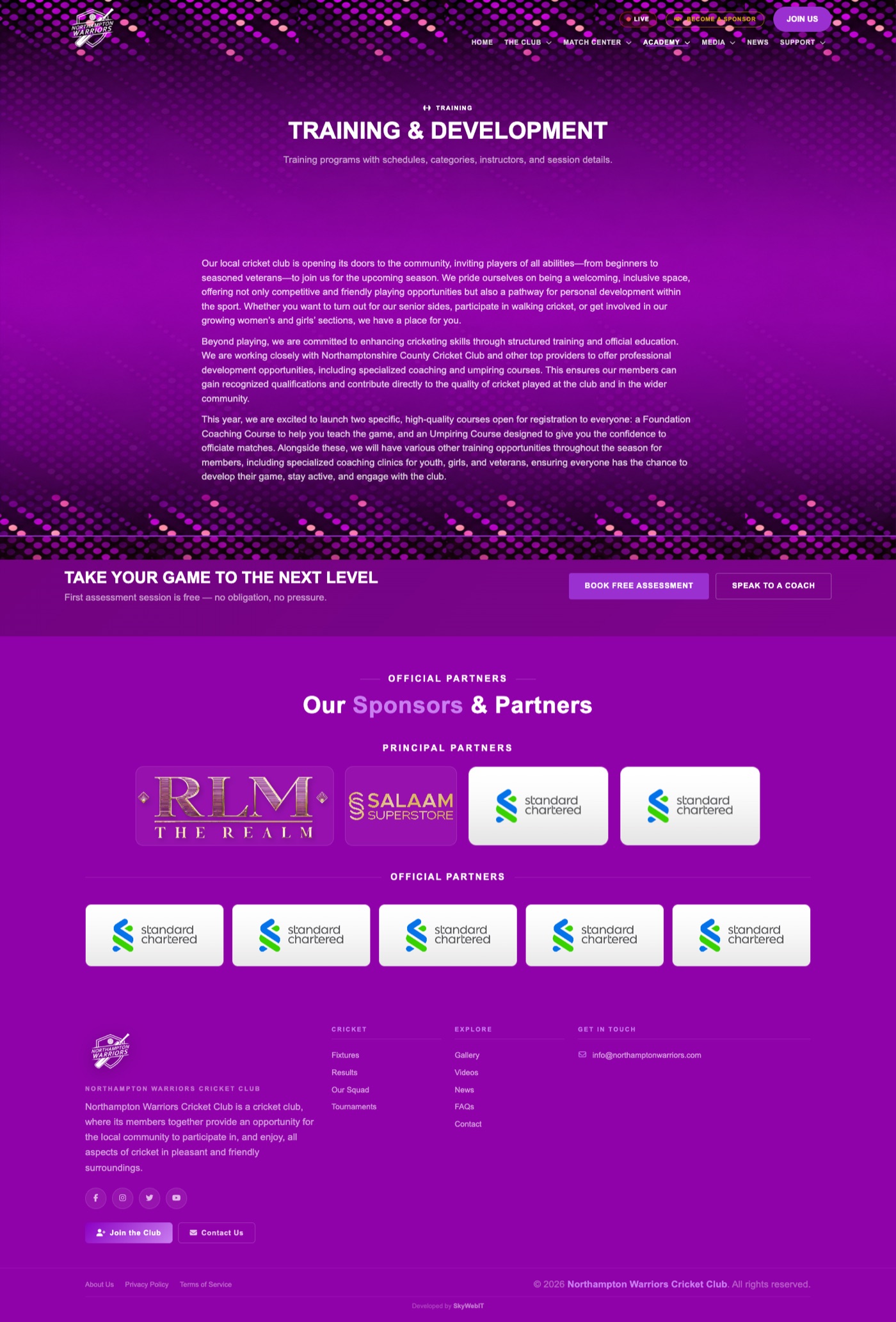
Training & Development page
Training sessions, times and venues.
WhereCricket›Club & Community›Training
How to change it
- Sidebar → Cricket → Training.
- Click Add New to create one, or Edit on any row to change an existing one.
- Enter the session title, date and time, venue, coach and capacity.
- Turn the Active / Published switch on so it shows on the website.
- Click Save, then refresh the public page to check it.
Attendance registers
WhereCricket›Training
Open a session and choose Attendance to record who came.
05.4
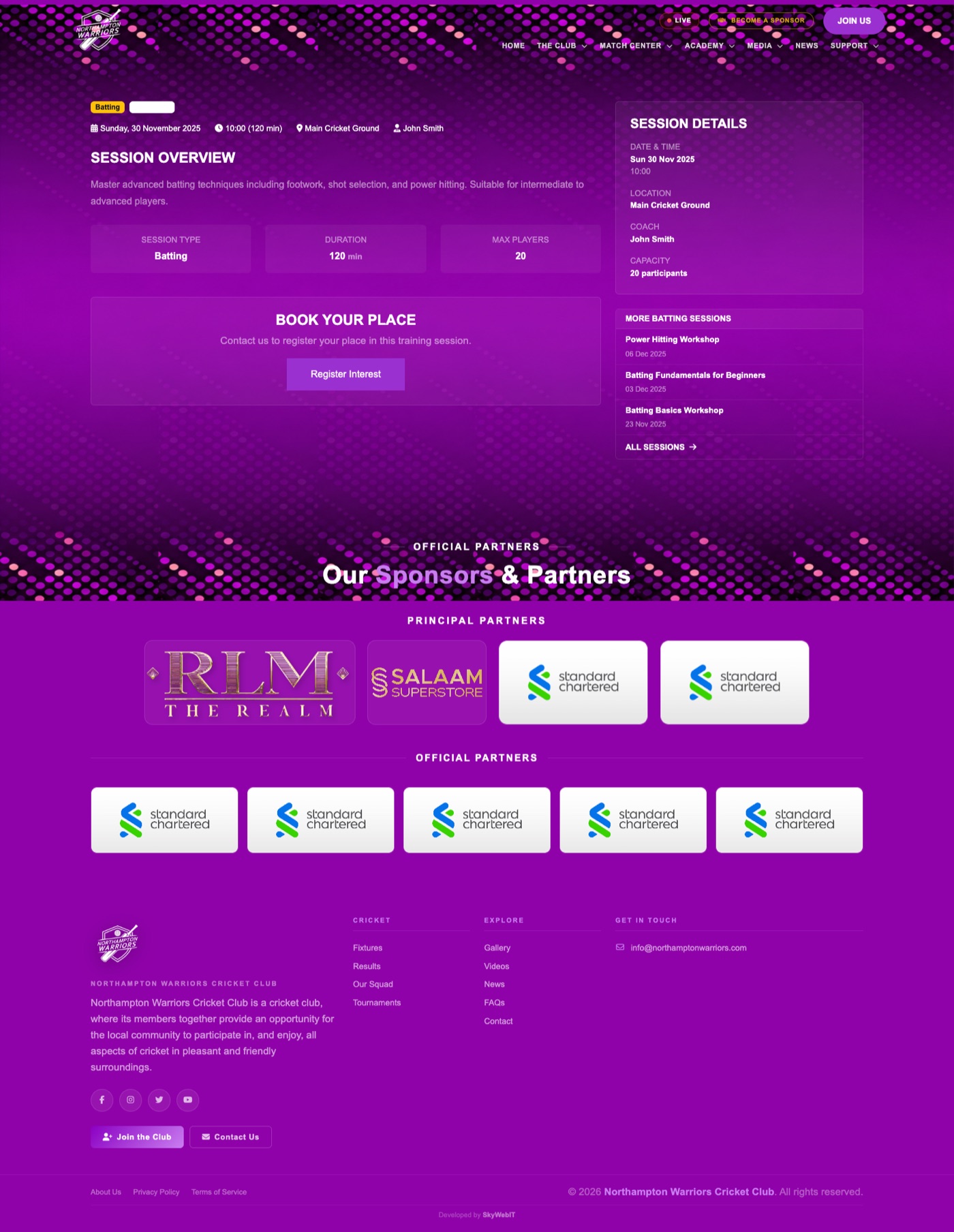
Individual training session page
The page for one training session — its time, venue, coach and how to book on.
WhereCricket›Club & Community›Training
How to change it
- Sidebar → Cricket → Training.
- Click Edit on the session.
- Update the date and time, venue, coach and capacity.
- Click Save.
To record who attended
WhereCricket›Training
Open the session and choose Attendance.
05.5
Coaching Programme page
Your coaching pathway and qualifications.
WhereWebsite›Content & Layout›Site Pages
How to change it
- Sidebar → Website → Site Pages.
- Edit the Coaching programme row.
- Update the content and click Save.
05.6
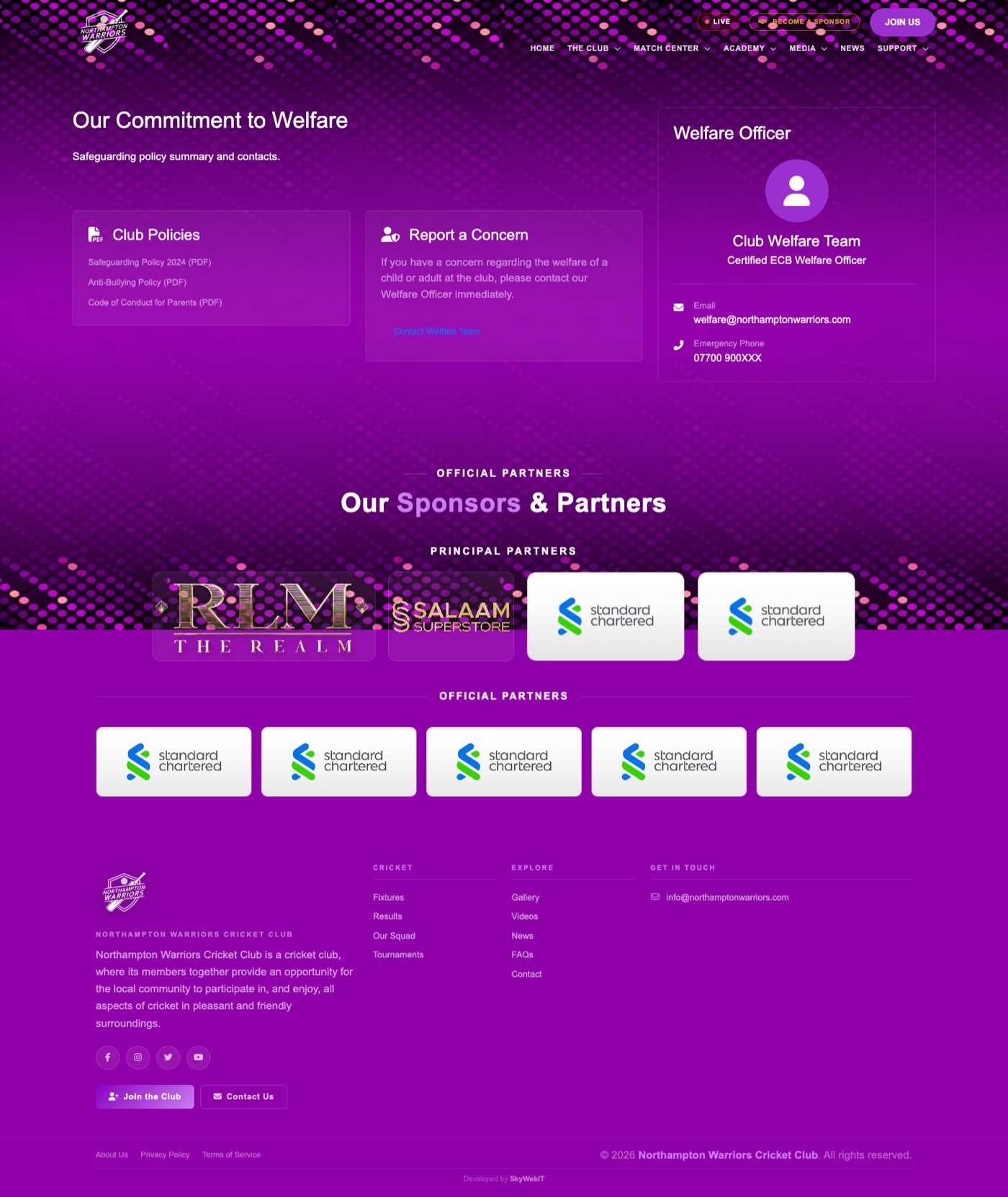
Safeguarding page
Your welfare officer, safeguarding policies and reporting routes.
WhereSystem›Settings›General
Direct address: /admin/settings/general
How to change it
- Open Settings → General.
- Set the Welfare Officer name, role, email and phone.
- Set the three Safeguarding Policy labels and their document links.
- Click Save Settings.
Keep this page current.Safeguarding contact details are a compliance matter. Review them whenever your welfare officer changes.
05.7
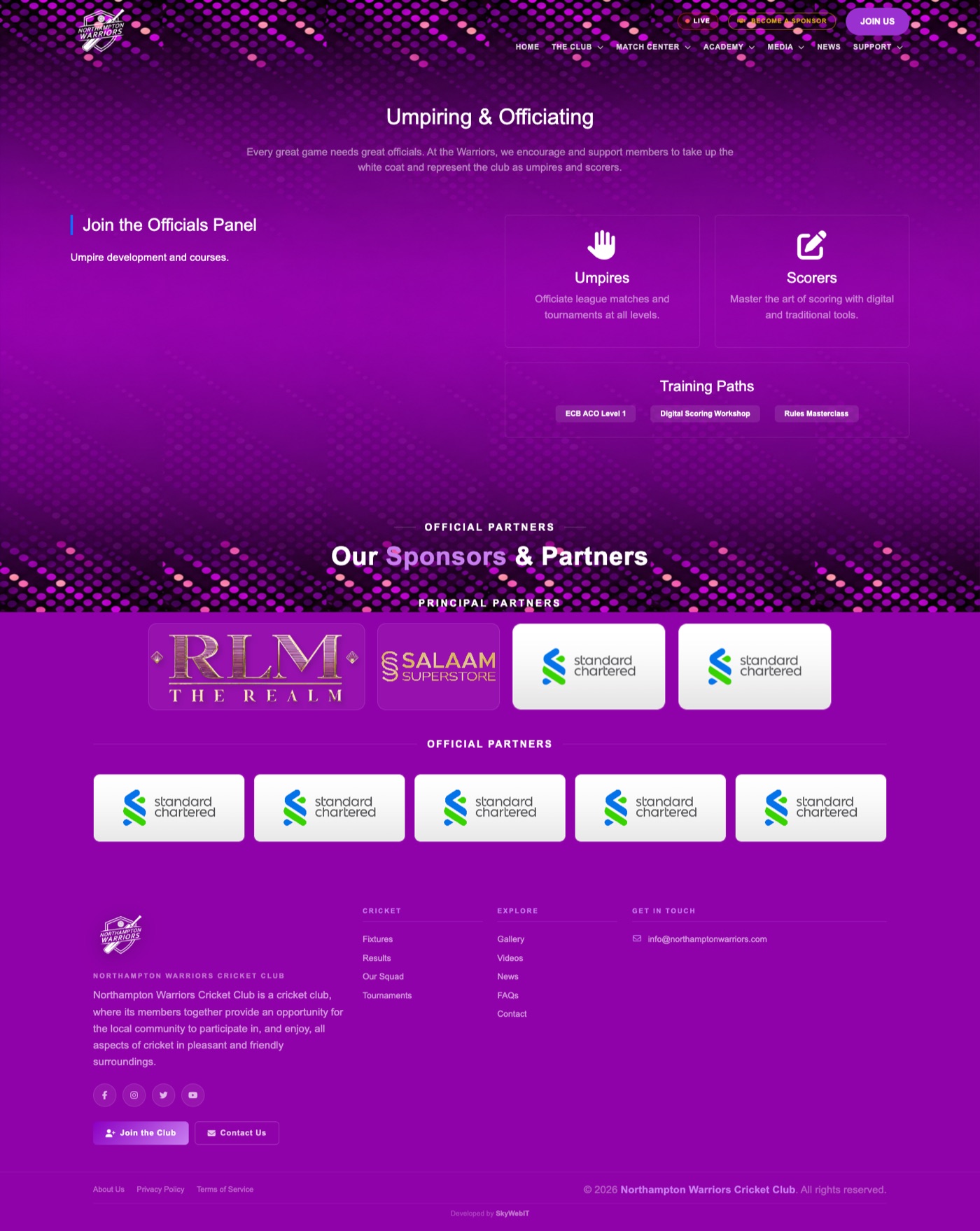
Umpiring & Scoring page
Umpiring and scoring pathways and training.
WhereWebsite›Content & Layout›Site Pages
How to change it
- Sidebar → Website → Site Pages.
- Edit the Umpiring row.
- Update the content and click Save.