Teams, players, matches and tournaments
Everything under Match Centre — squads, fixtures, results, tables and player profiles. These four screens feed most of the numbers shown across the whole website.
Teams page
Your club’s teams — first XI, seconds, youth and so on.
How to change it
- Sidebar → Cricket → Teams.
- Click Add New to create one, or Edit on any row to change an existing one.
- Enter the team name, short name, logo and description.
- Turn the Active / Published switch on so it shows on the website.
- Click Save, then refresh the public page to check it.
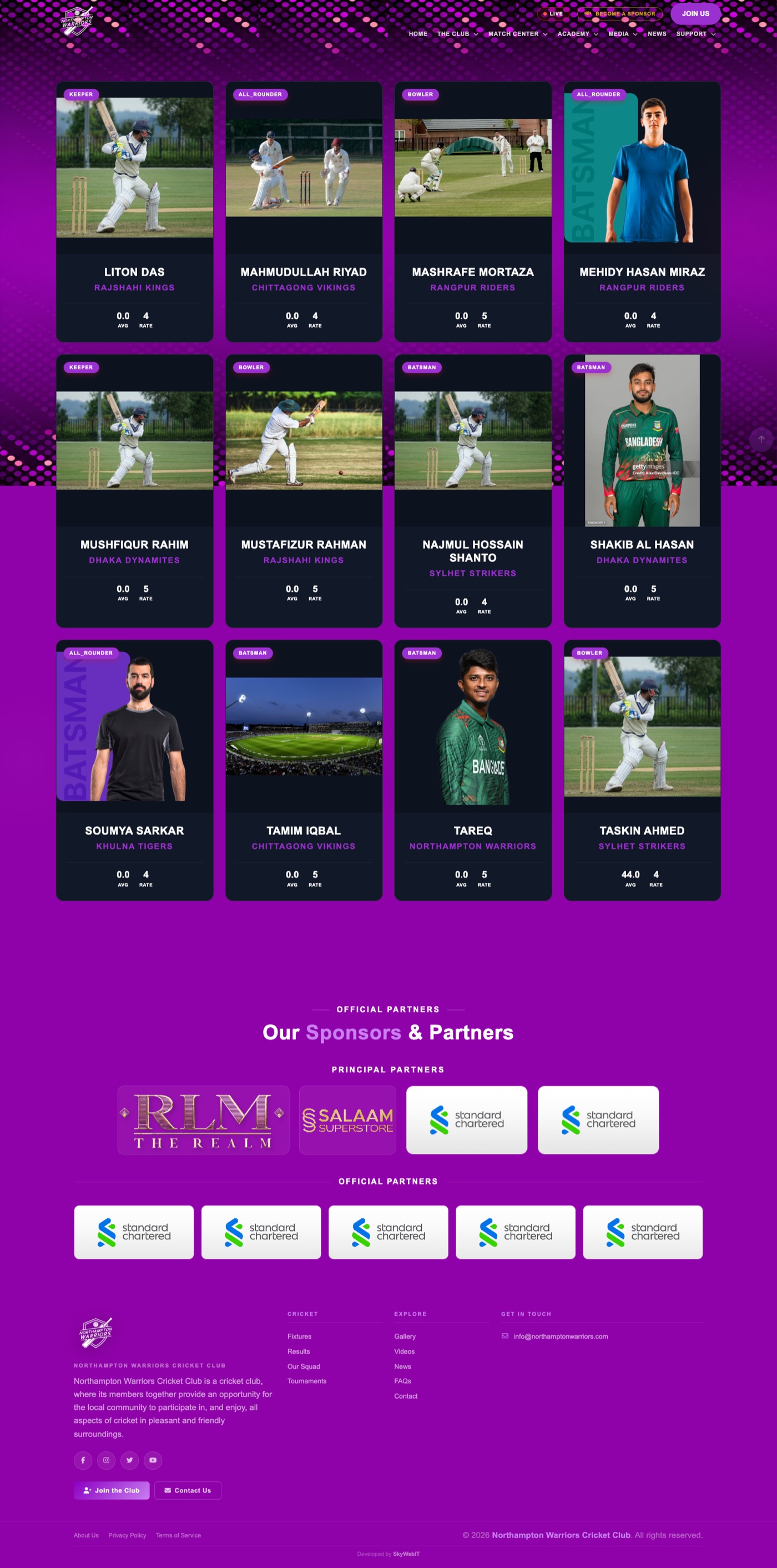
Players / Squad page
Your squad list, and the individual player profile pages behind each card.

How to change it
- Sidebar → Cricket → Players.
- Click Add New to create one, or Edit on any row to change an existing one.
- Enter name, photo, team, role (batsman, bowler, all-rounder, keeper), batting and bowling style, jersey number and career statistics.
- Turn the Active / Published switch on so it shows on the website.
- Click Save, then refresh the public page to check it.
The individual profile page
Every player automatically gets their own page with their stats and photo. Nothing extra to set up — edit the player and the page updates.
Player profile page
The full profile for one player, with career statistics.

How to change it
- Sidebar → Cricket → Players.
- Click Edit on the player.
- Update their statistics, personal details and photo.
- Click Save.
Fixtures / Schedule page
Upcoming matches, with dates, venues and opponents.
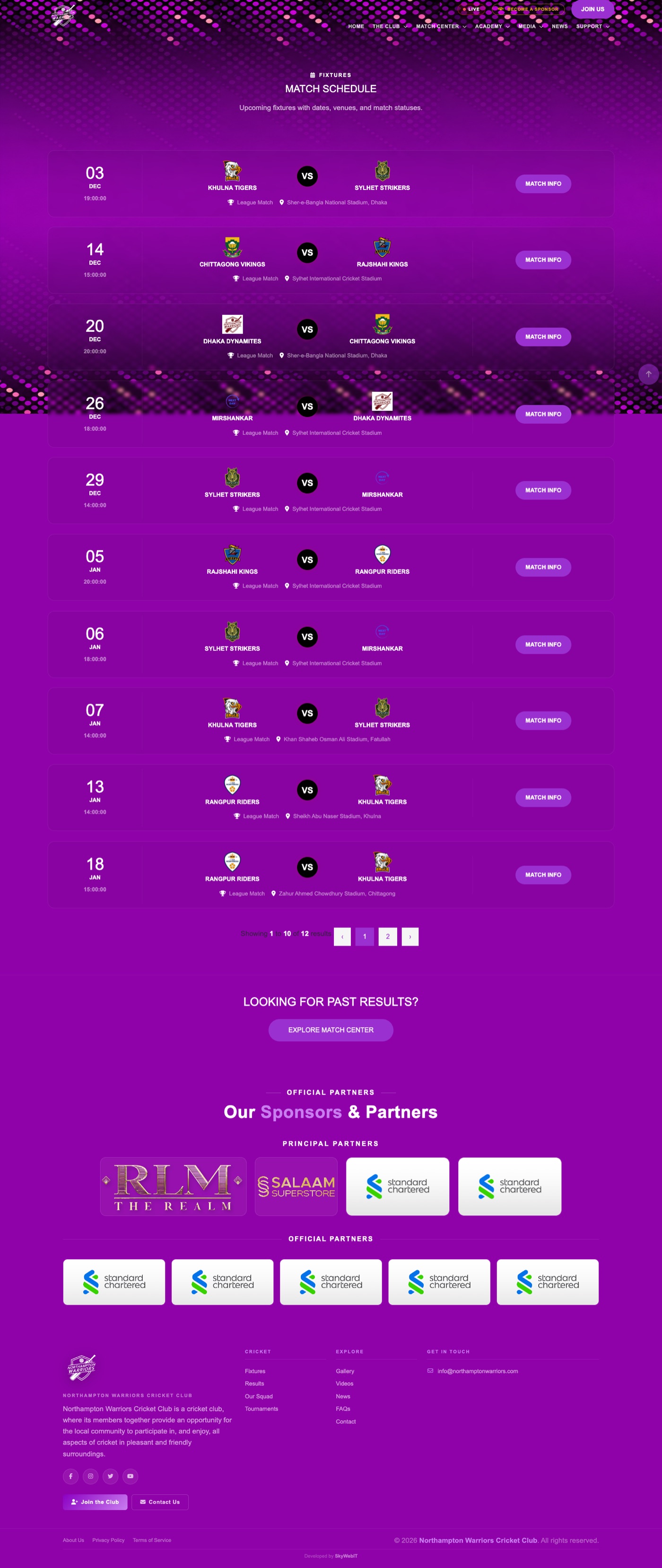
How to change it
- Sidebar → Cricket → Matches.
- Click Add New to create one, or Edit on any row to change an existing one.
- Set the two teams, date and time, venue, format and set Status to Upcoming.
- Turn the Active / Published switch on so it shows on the website.
- Click Save, then refresh the public page to check it.
Results page
Completed matches with scores and the winning side.

How to change it
- Sidebar → Cricket → Matches.
- Click Edit on the match that has been played.
- Enter both teams’ scores, overs and select the winner.
- Change Status to Completed.
- Click Save — the match moves from Fixtures to Results automatically.
Full scorecards
Open a match and choose Scorecard to enter ball-by-ball batting and bowling figures.
Match detail page
The full page for a single match — scorecard, teams and match information.

How to change it
- Sidebar → Cricket → Matches.
- Click Edit on the match, or open it and choose Scorecard.
- Update the details or enter the scorecard.
- Click Save.
To reword the labels on this page
Direct address: /admin/settings/content
Change wording like “Live”, “vs”, “TBA”, “Man of the Match”, “Venue” and “Toss” across every match page at once.
Tournaments page
Competitions your club plays in, with standings and participating teams.

How to change it
- Sidebar → Cricket → Tournaments.
- Click Add New to create one, or Edit on any row to change an existing one.
- Enter the tournament name, dates, format and status.
- Turn the Active / Published switch on so it shows on the website.
- Click Save, then refresh the public page to check it.
To enter the league table
Open the tournament and choose Points Table to add teams and their played / won / lost / points / net run rate.
Entry requests from other clubs
Teams applying to join a tournament appear here for you to approve or decline.
Teams & Fixtures — Fixtures tab
The fixtures list reached from the Teams & Fixtures menu. It shows the same matches as the Schedule page, arranged by team.

How to change it
- Sidebar → Cricket → Matches.
- Click Add New, or Edit an existing fixture.
- Set the two teams, the date and time and the venue.
- Set Status to Upcoming.
- Click Save.
Teams & Fixtures — Results tab
Completed matches reached from the Teams & Fixtures menu, arranged by team.

How to change it
- Sidebar → Cricket → Matches.
- Click Edit on the match that has been played.
- Enter the scores and select the winner.
- Set Status to Completed.
- Click Save.
Tournament detail page
The full page for one competition — its teams, fixtures and league table.

How to change it
- Sidebar → Cricket → Tournaments.
- Click Edit on the tournament to change its name, dates, format or status.
- Choose Points Table to enter or update the league standings.
- Click Save.
Tournament Guide page
Your explanation of how club tournaments run — rules, formats and how teams enter.

How to change it
- Sidebar → Website → Site Pages.
- Find the tournament guide row and click Edit.
- Update the title, intro and page content.
- Click Save.
Competitions page
The leagues and competitions your teams compete in.

How to change it
- Sidebar → Cricket → Tournaments.
- Click Add New to create one, or Edit on any row to change an existing one.
- Enter the competition name, season and status.
- Turn the Active / Published switch on so it shows on the website.
- Click Save, then refresh the public page to check it.