Cricket screens
Teams, players, fixtures, results, tournaments and rankings — plus the club and community screens for events, training, committees and awards.
Teams
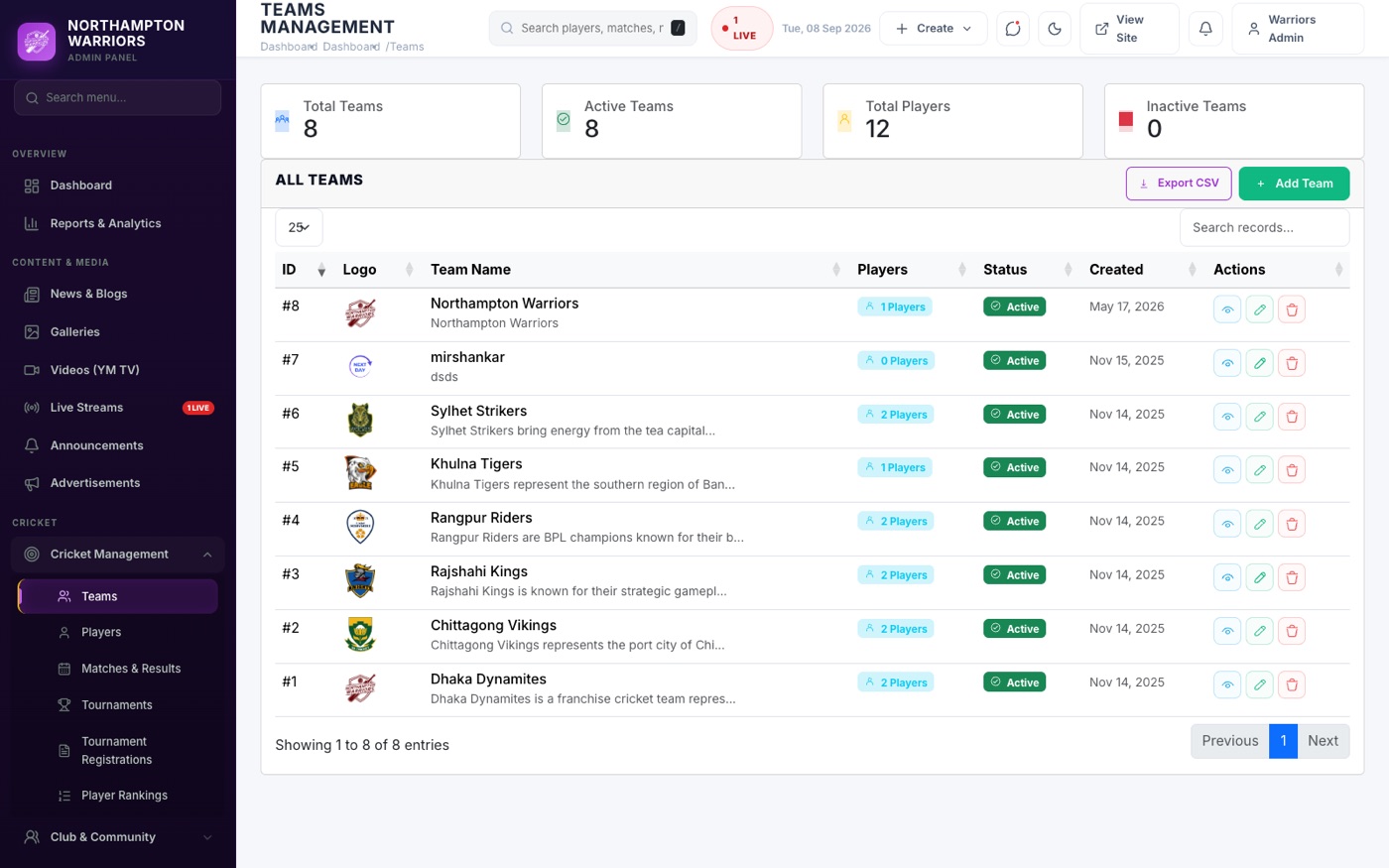
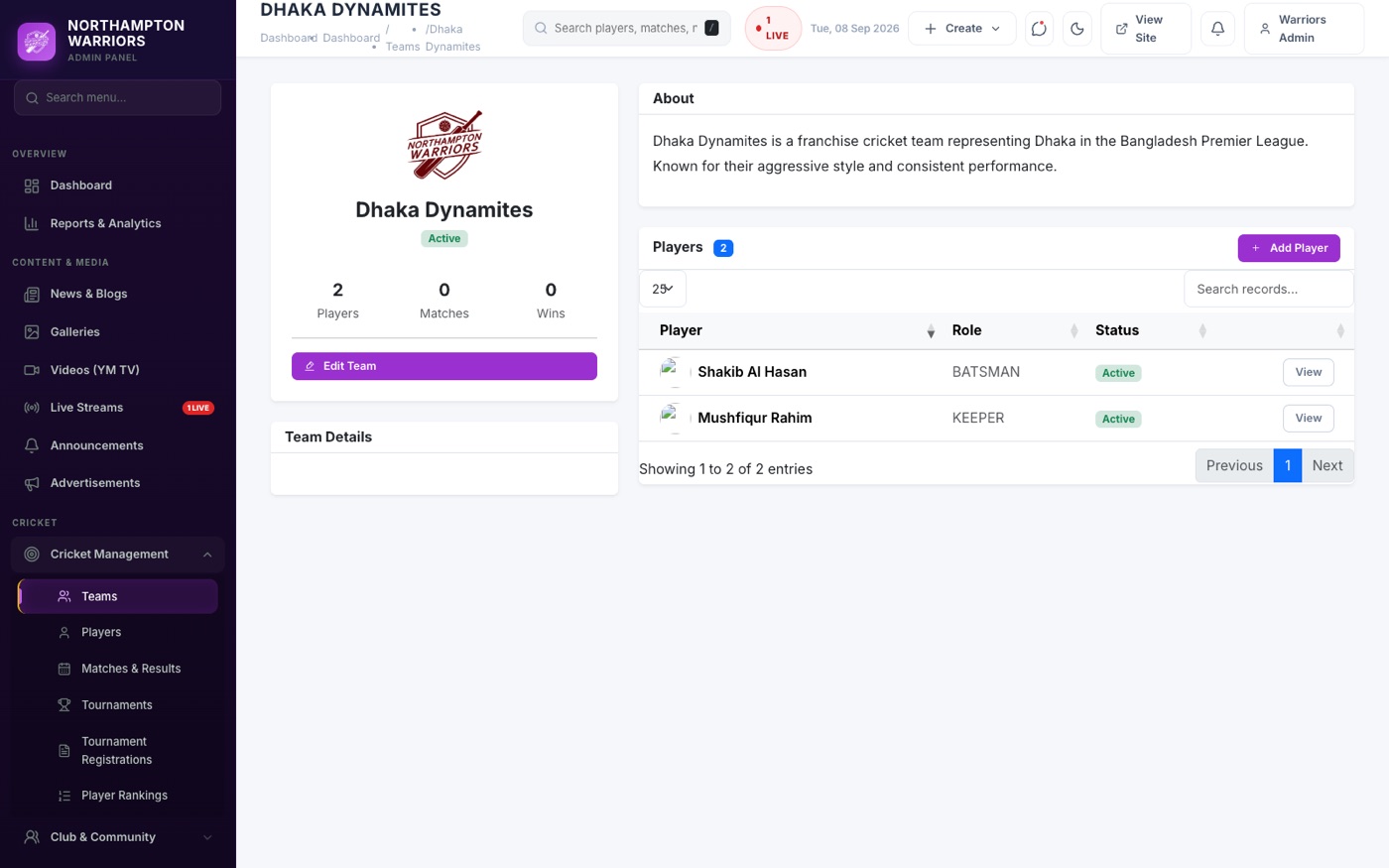
Your club’s teams. Set these up first — a match needs two teams to exist before you can create it.
How to change it
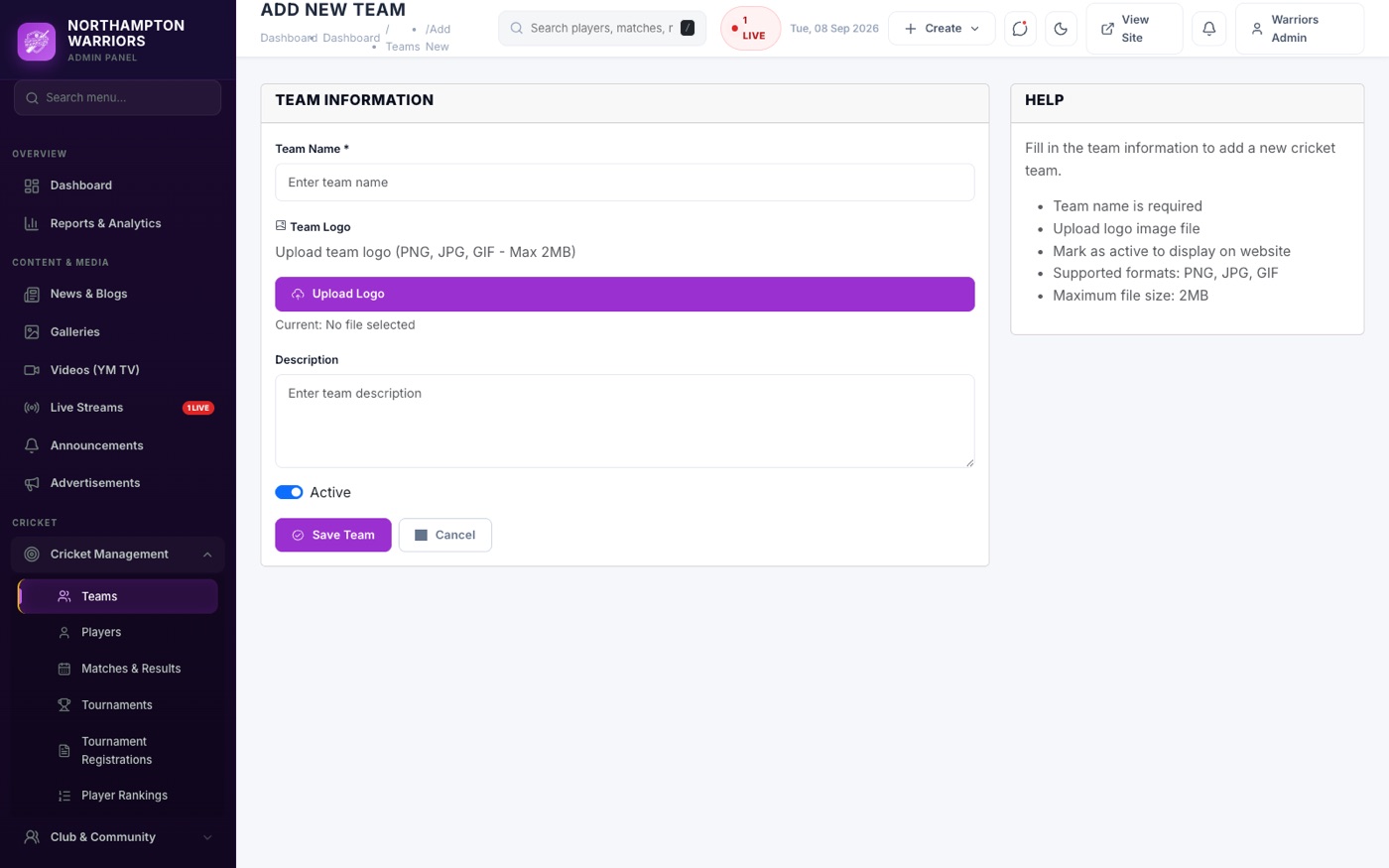
- Sidebar → Cricket → Teams → Add New.
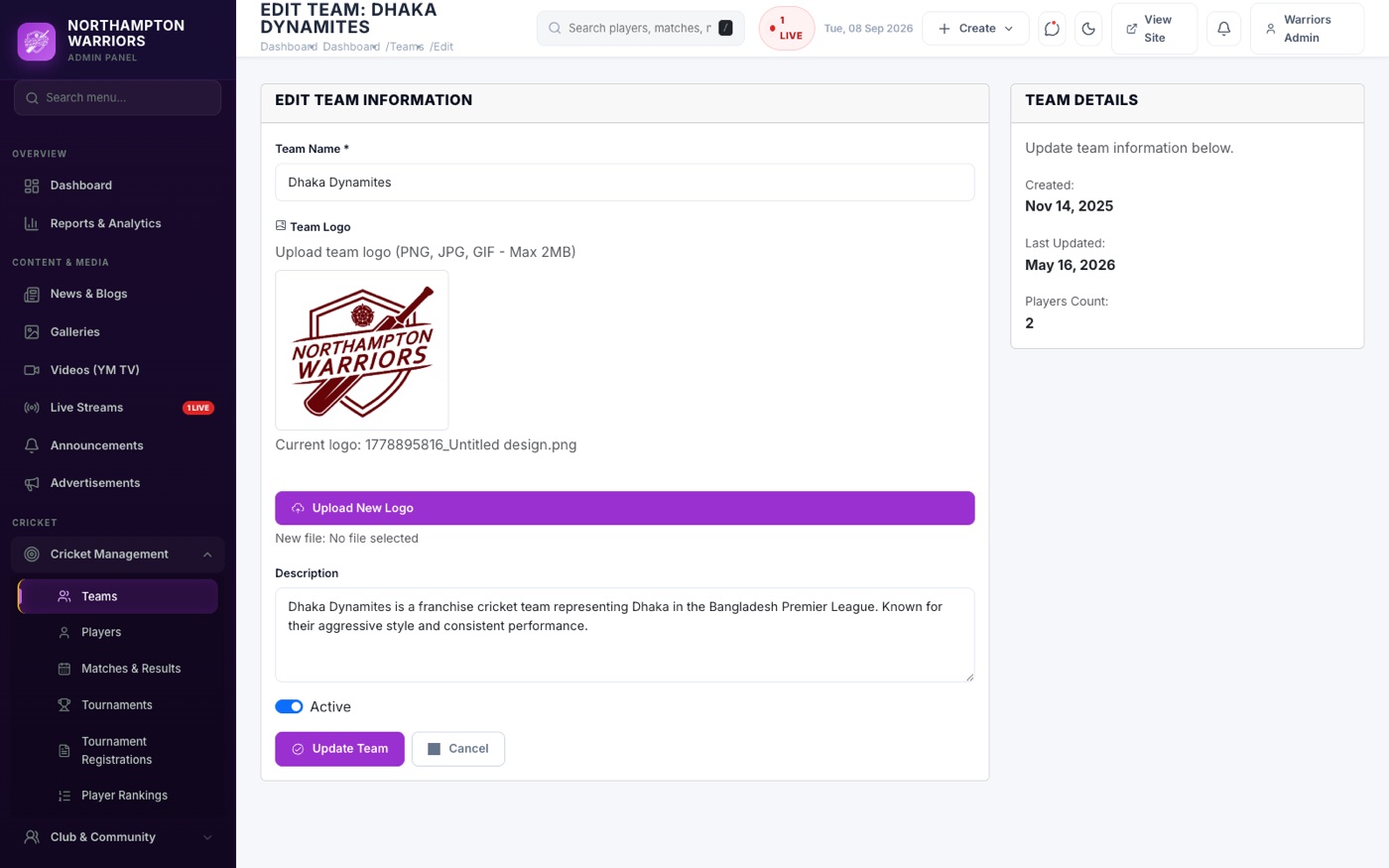
- Enter the team name, short name, logo and description.
- Click Save.
Players
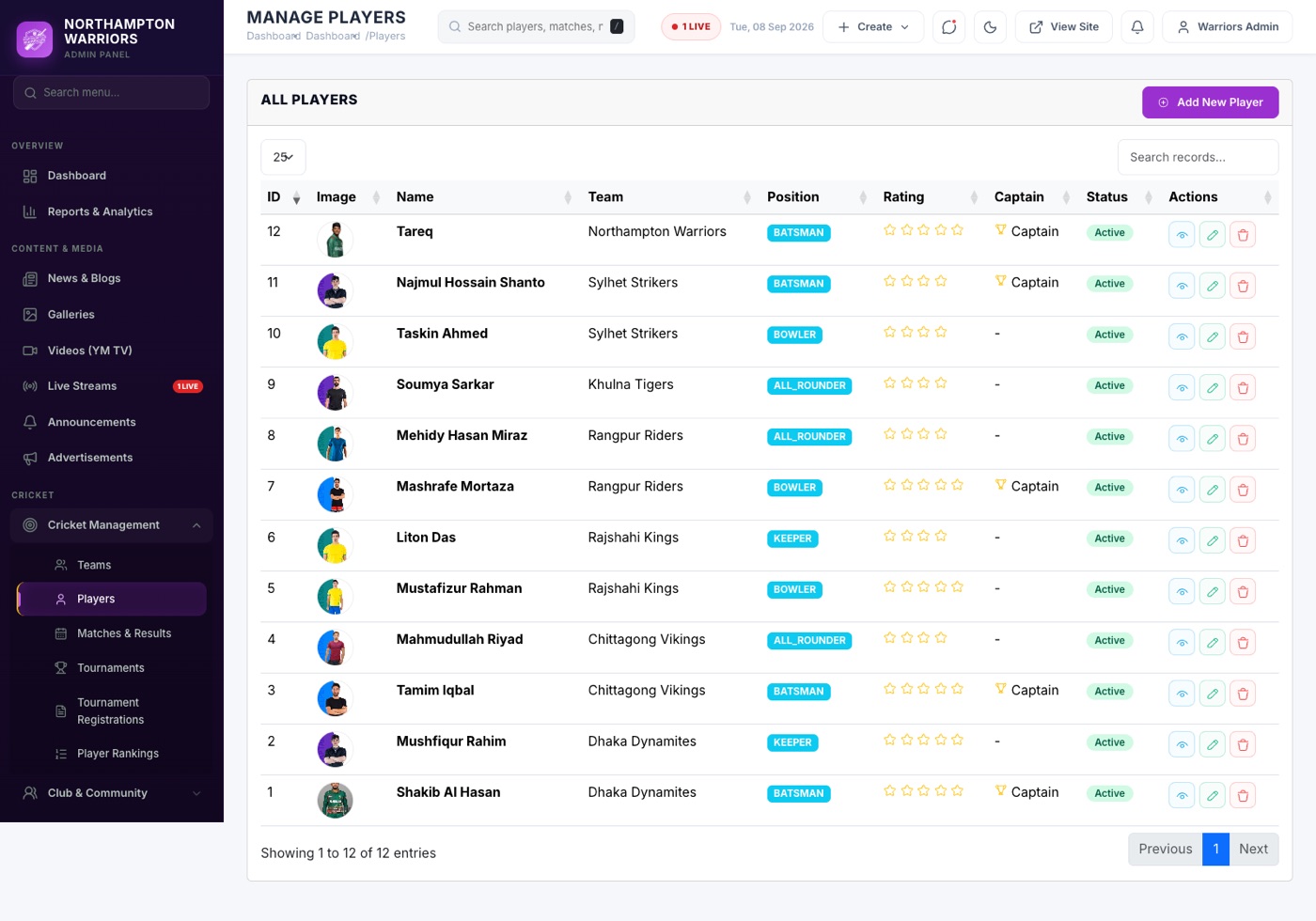
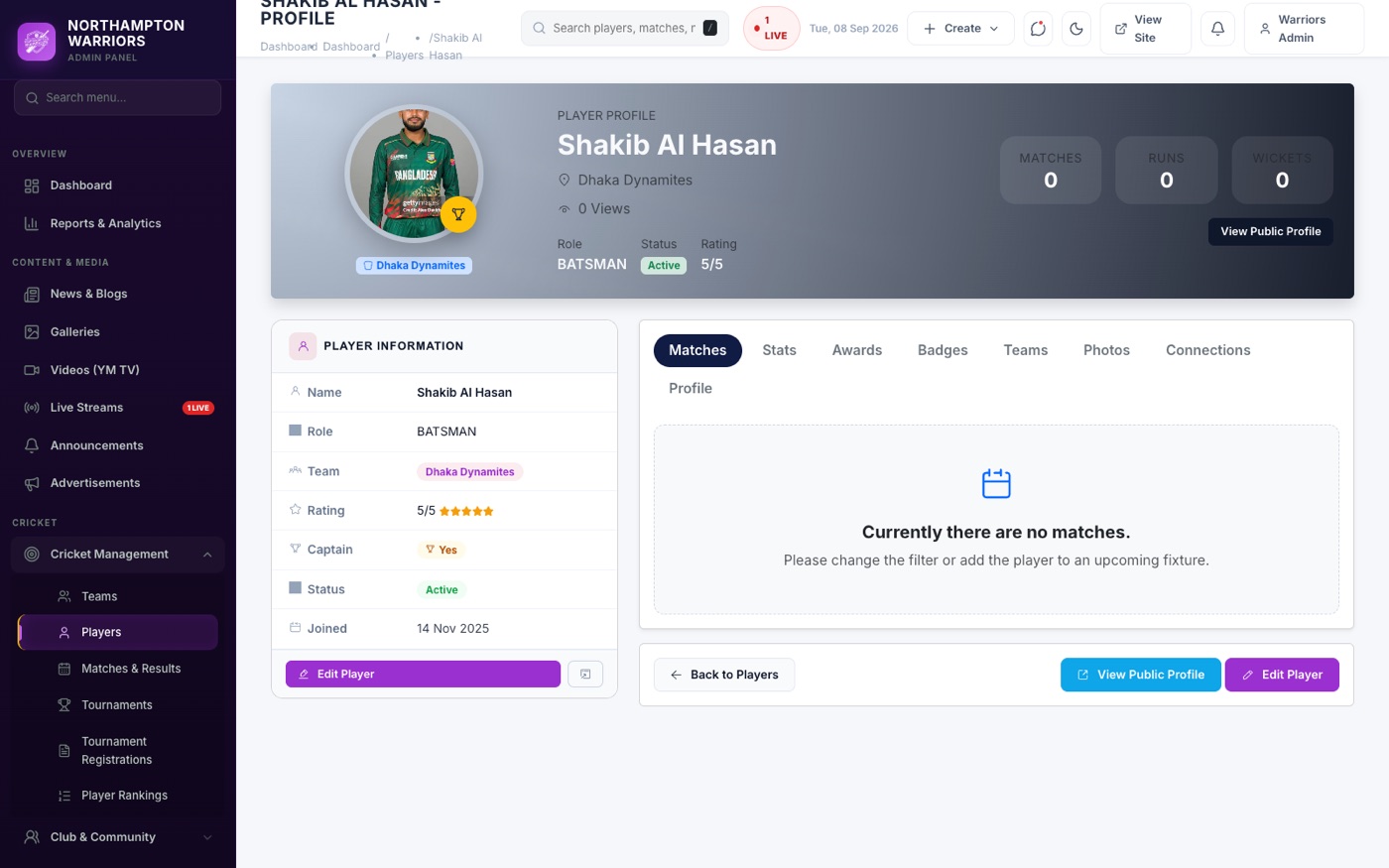
Your squad. Each player automatically gets their own public profile page with their statistics.
How to change it
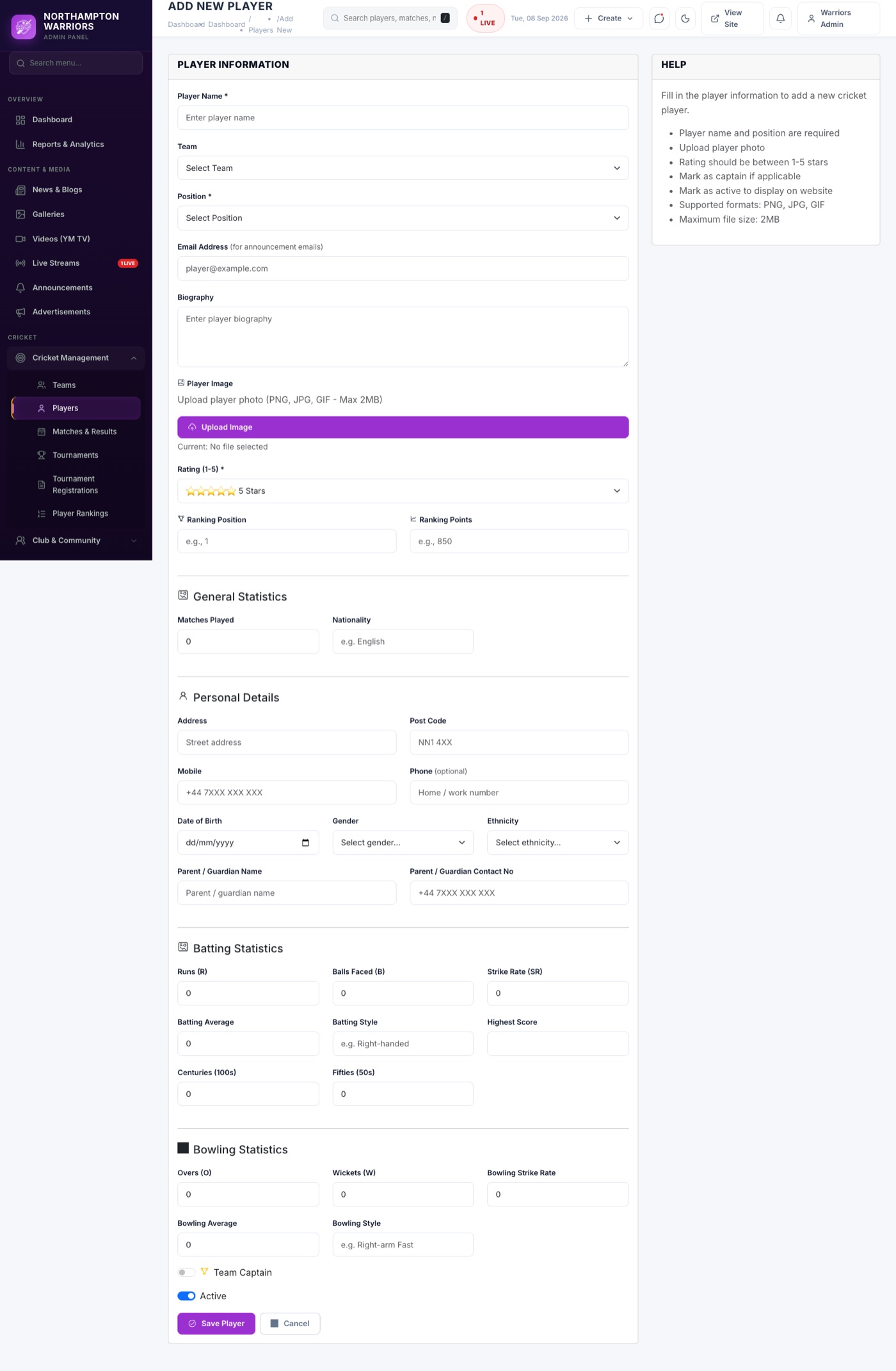
- Sidebar → Cricket → Players → Add New.
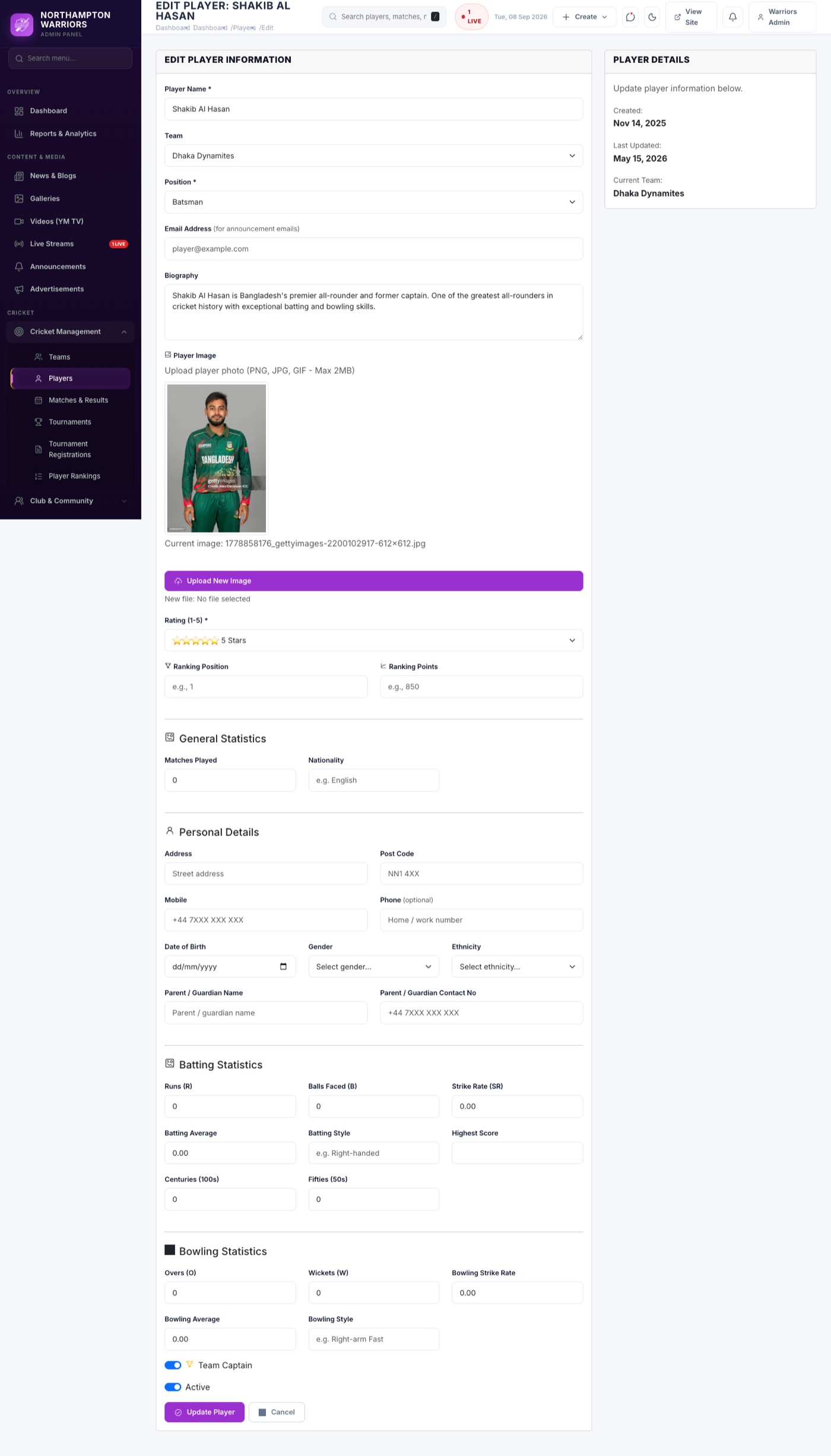
- Enter name, photo, team, role, batting and bowling style, and jersey number.
- Fill in career statistics — these appear on the public profile.
- Set Active and click Save.
Matches
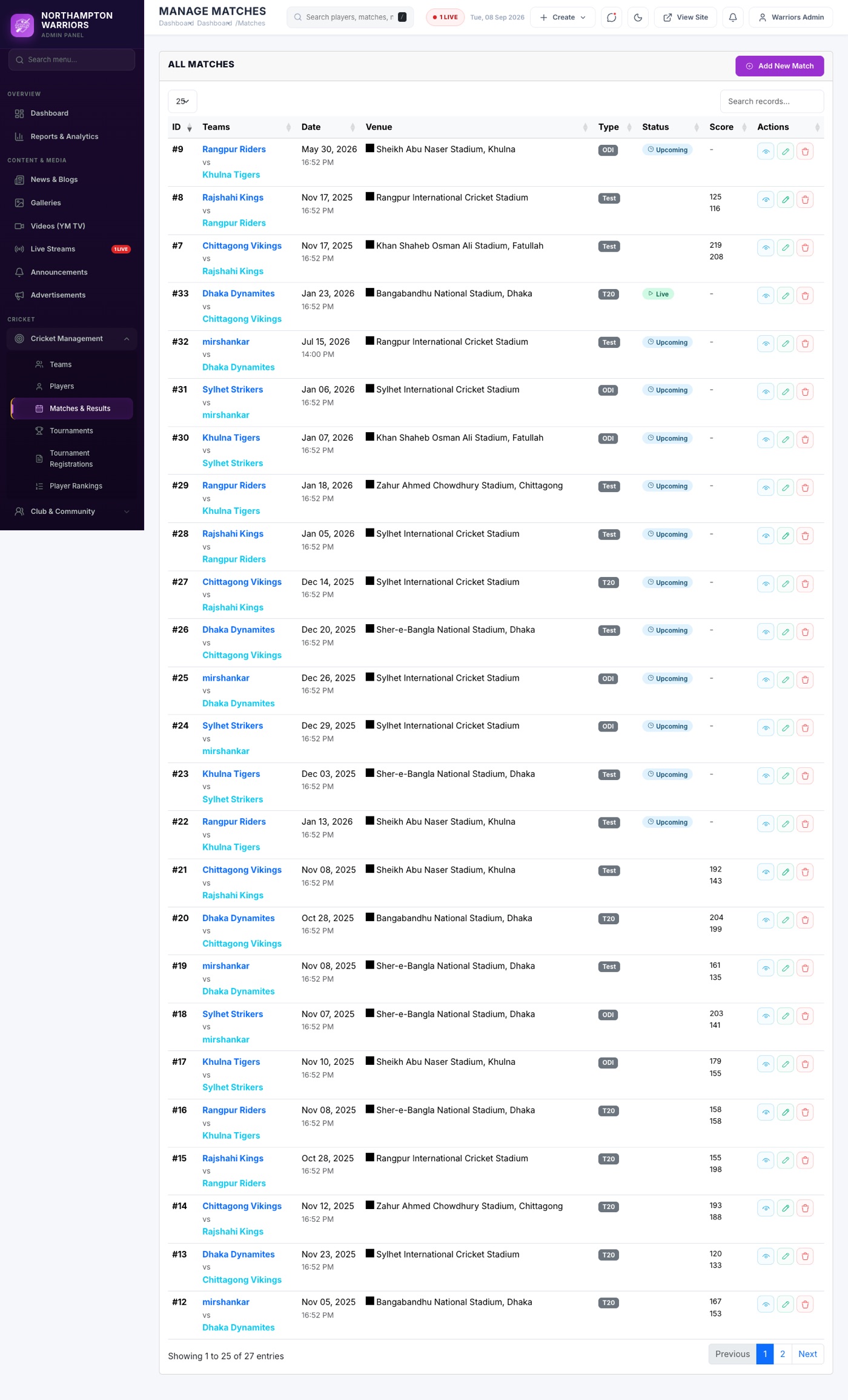
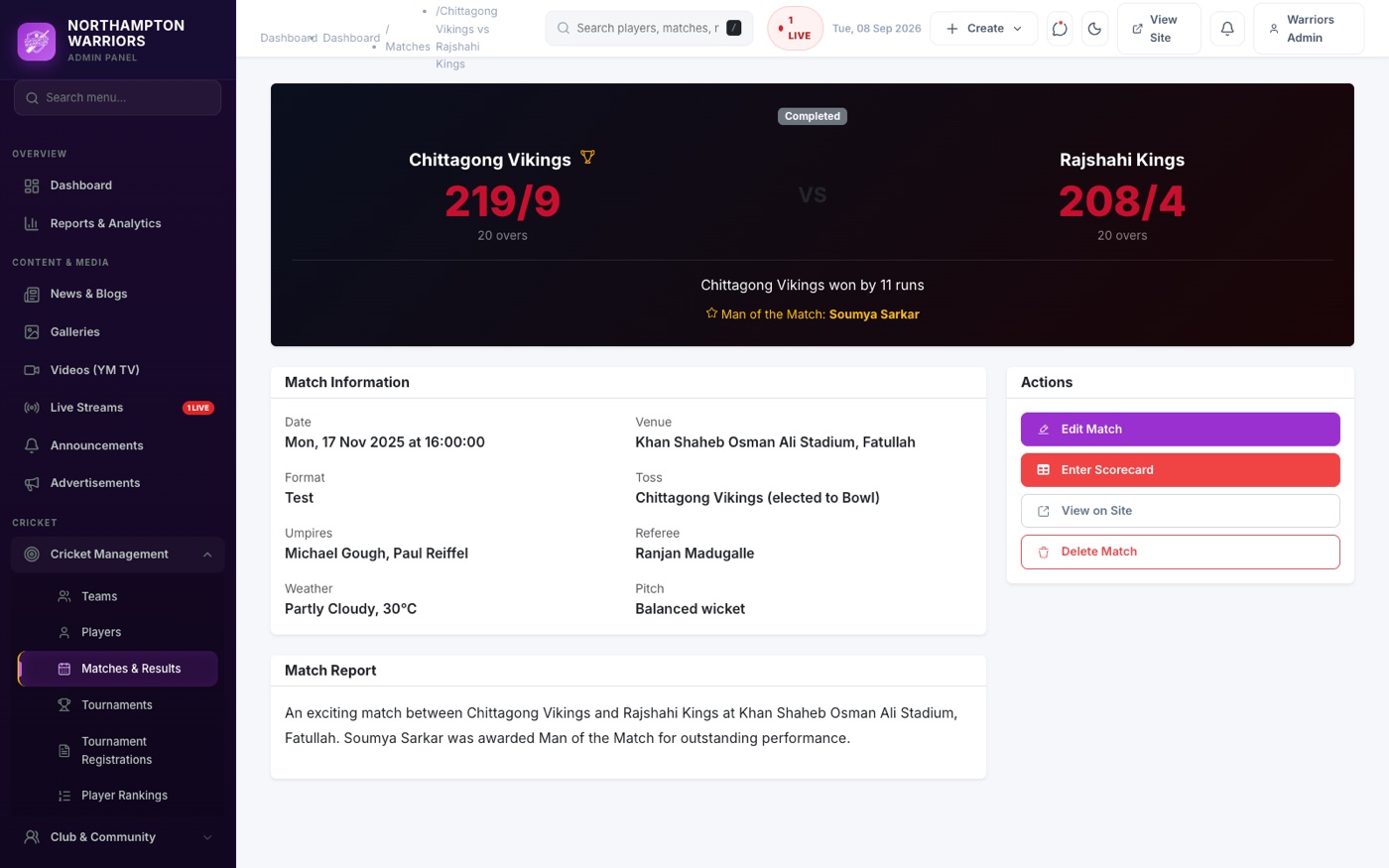
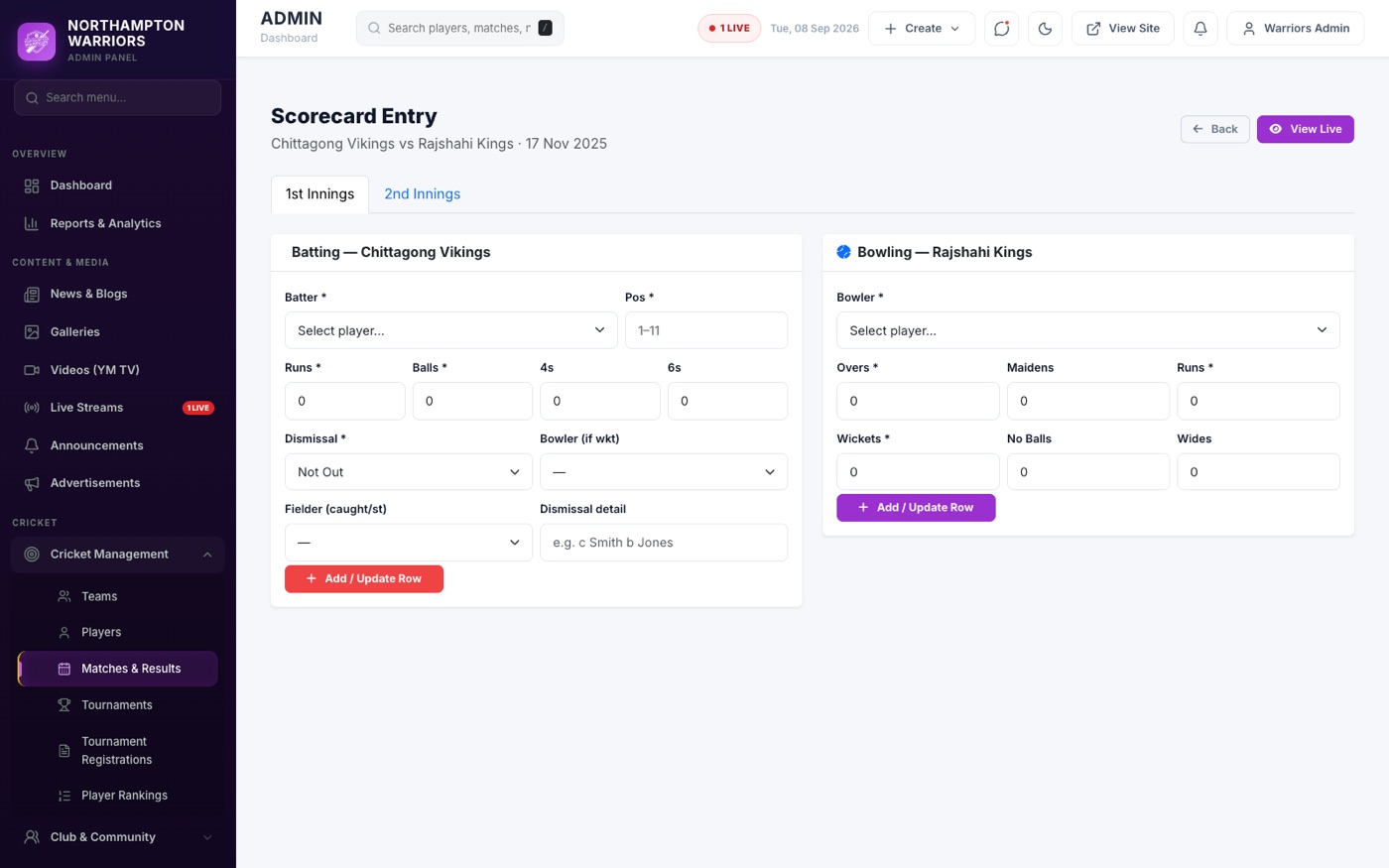
Every fixture and result. This one screen feeds the Fixtures page, the Results page, individual match pages and the home page countdown.
How to change it
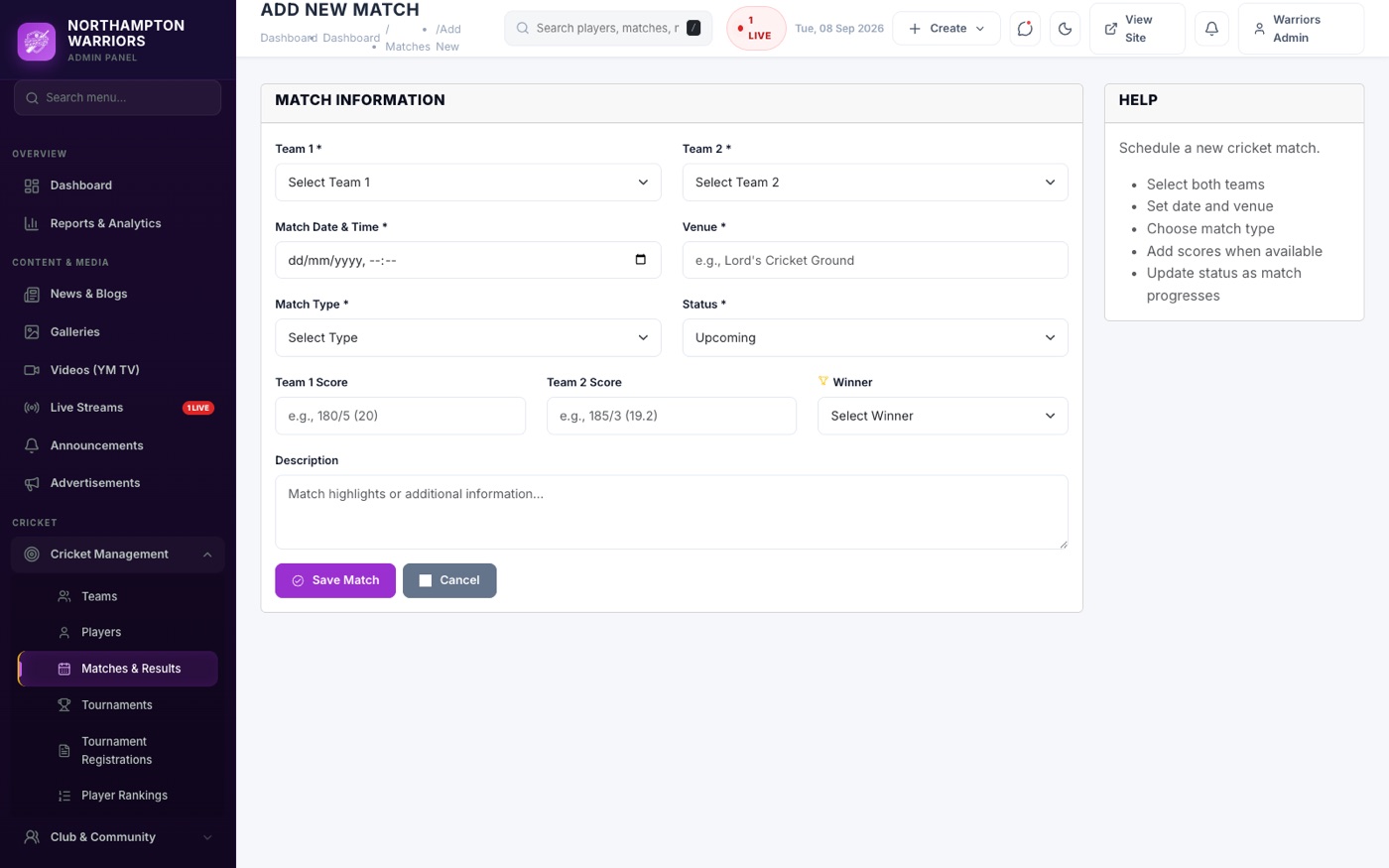
- Sidebar → Cricket → Matches → Add New.
- Choose the two teams, the date and time, the venue and the format.
- Set Status to Upcoming — it now appears on Fixtures and feeds the countdown.
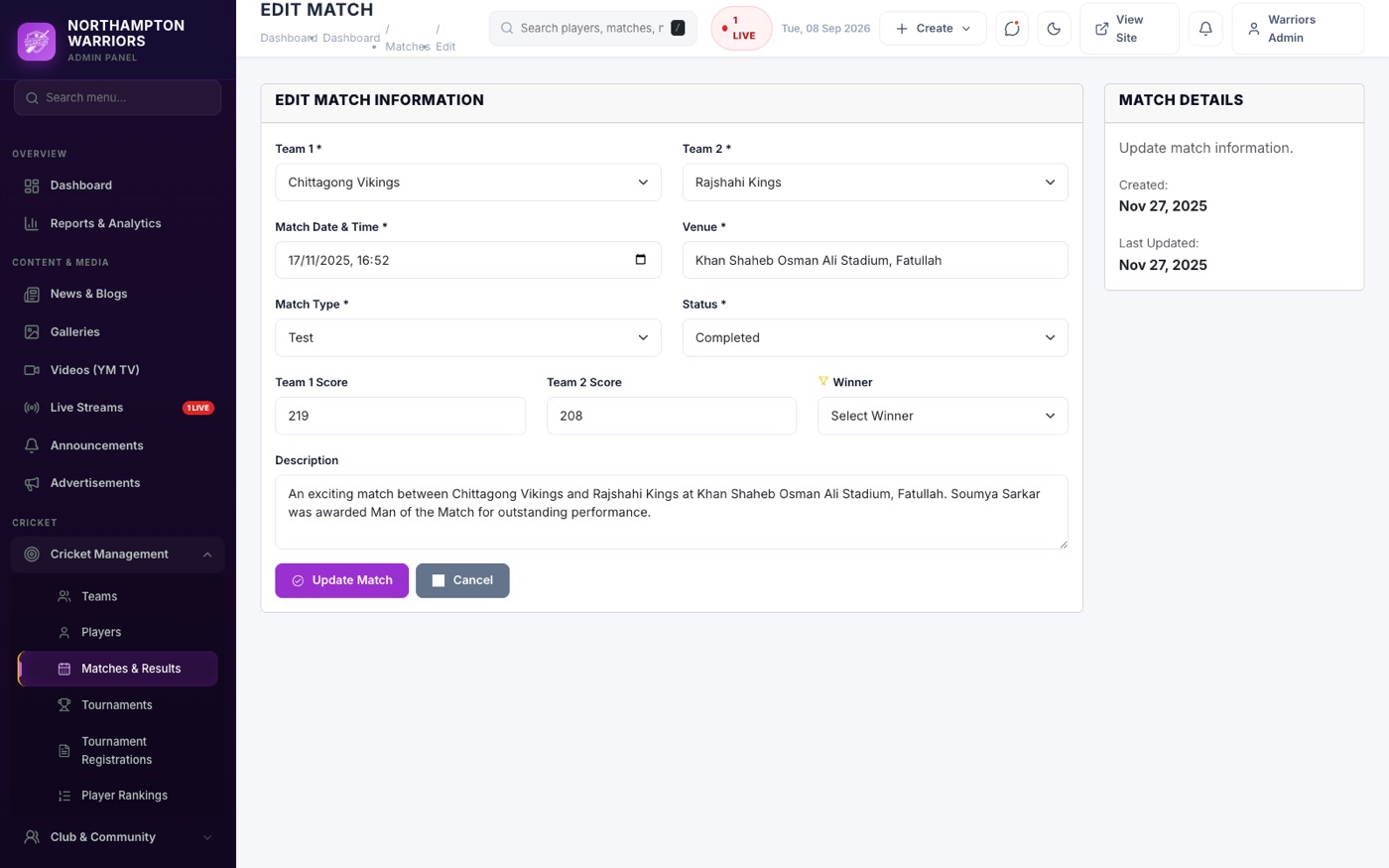
- After the match, edit it, enter the scores, pick the winner and set Status to Completed — it moves to Results by itself.
- Use Scorecard to enter ball-by-ball batting and bowling figures.
Tournaments
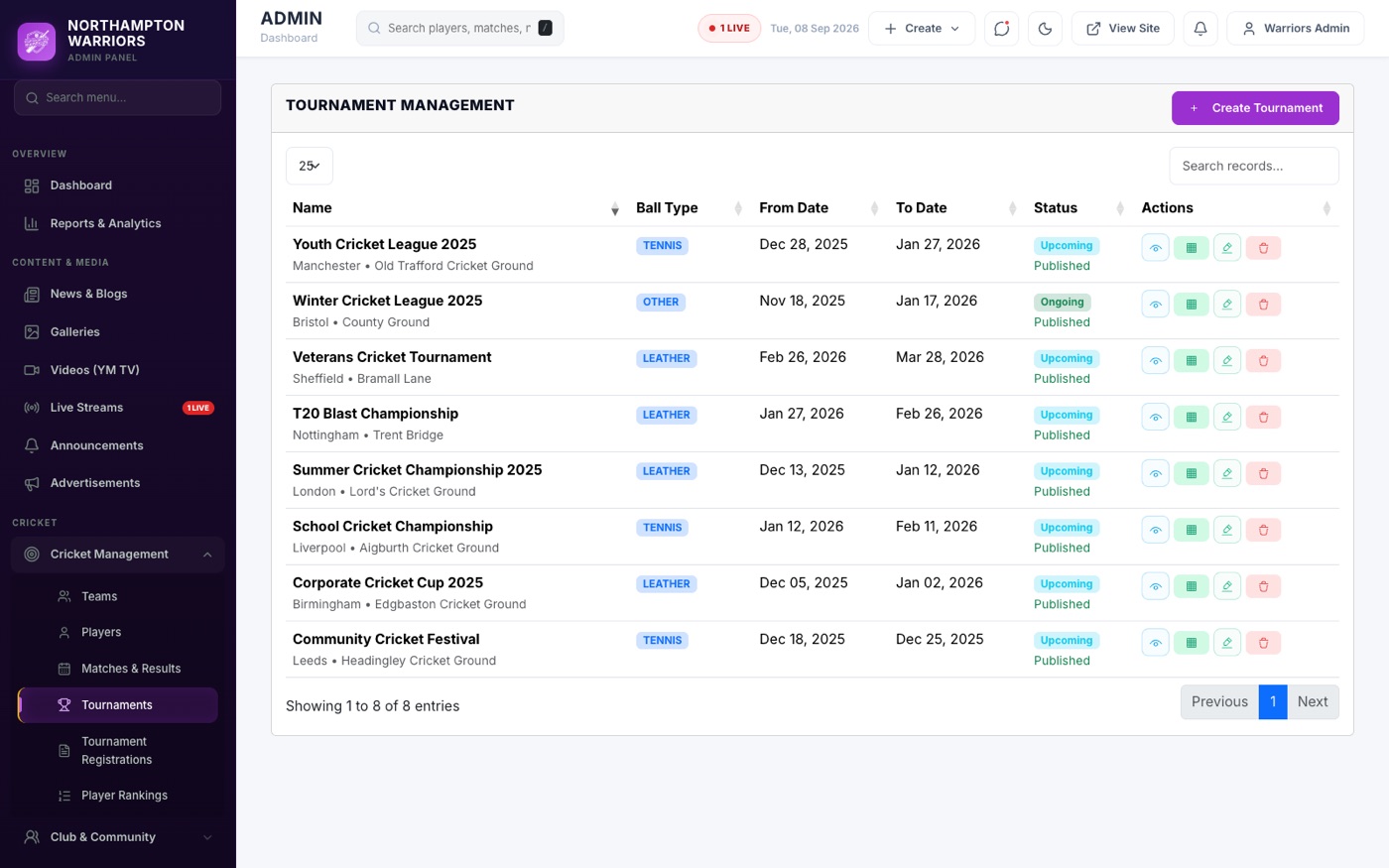
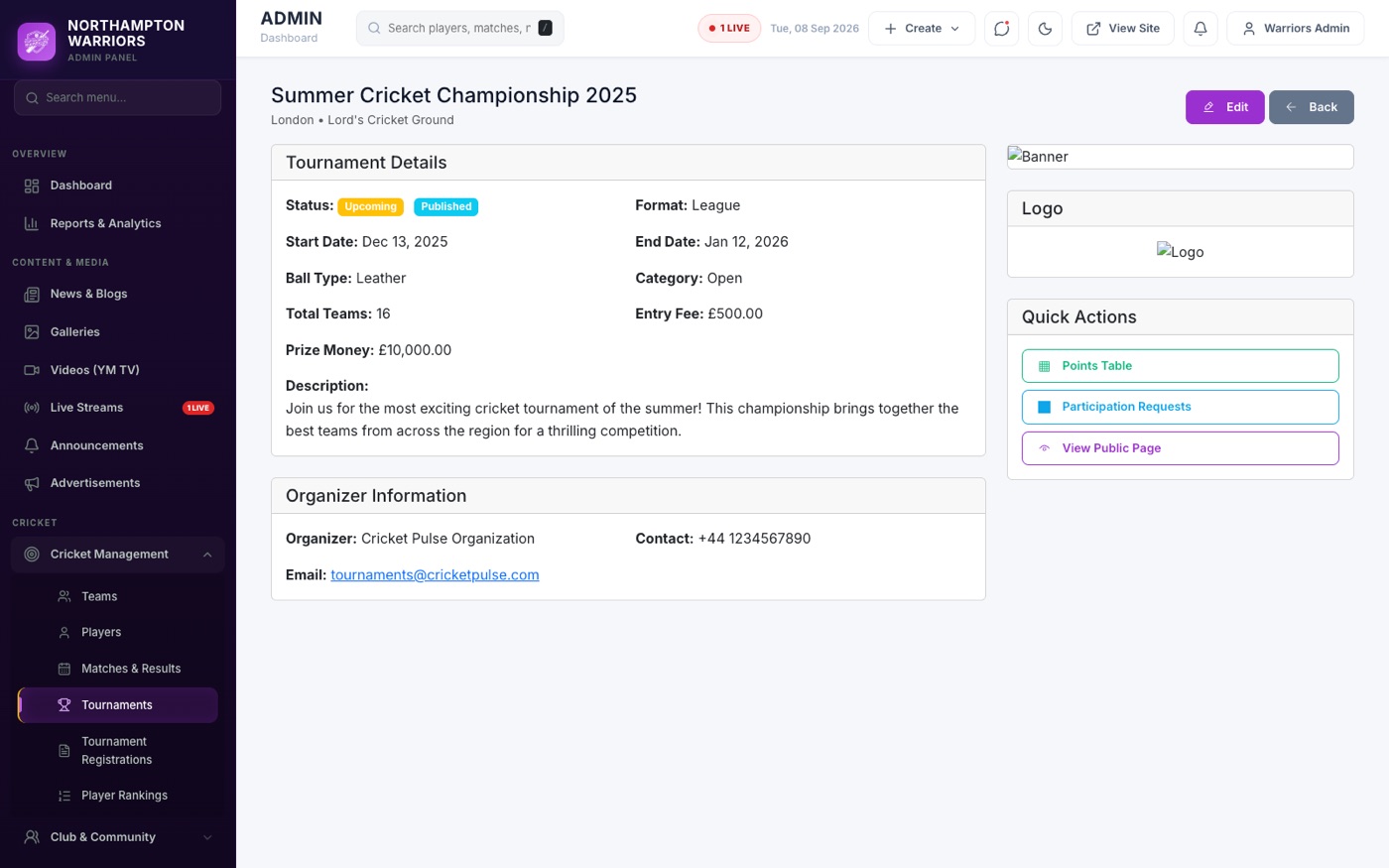
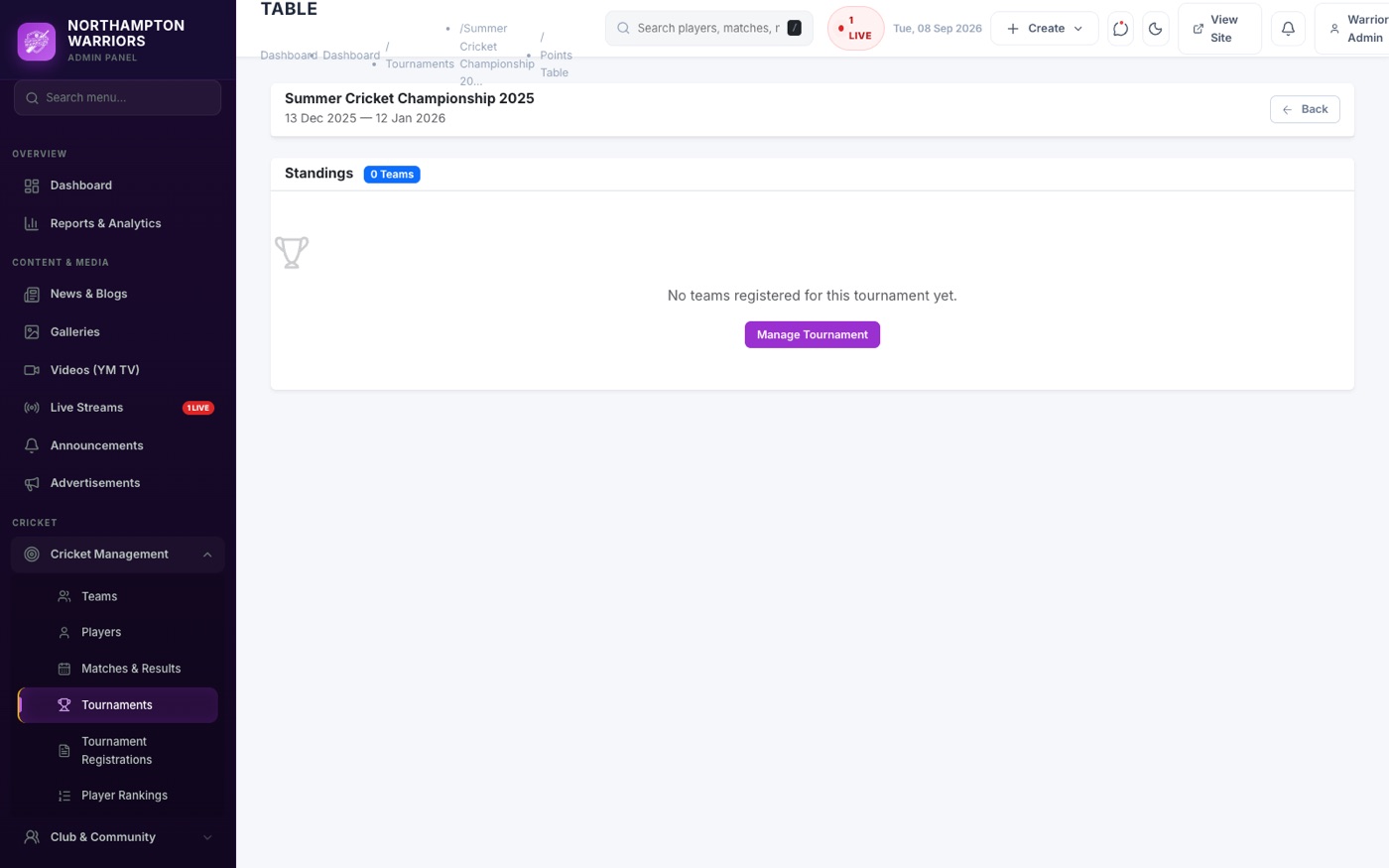
Competitions, their teams and the league table. The points table here is what appears on the home page.
How to change it
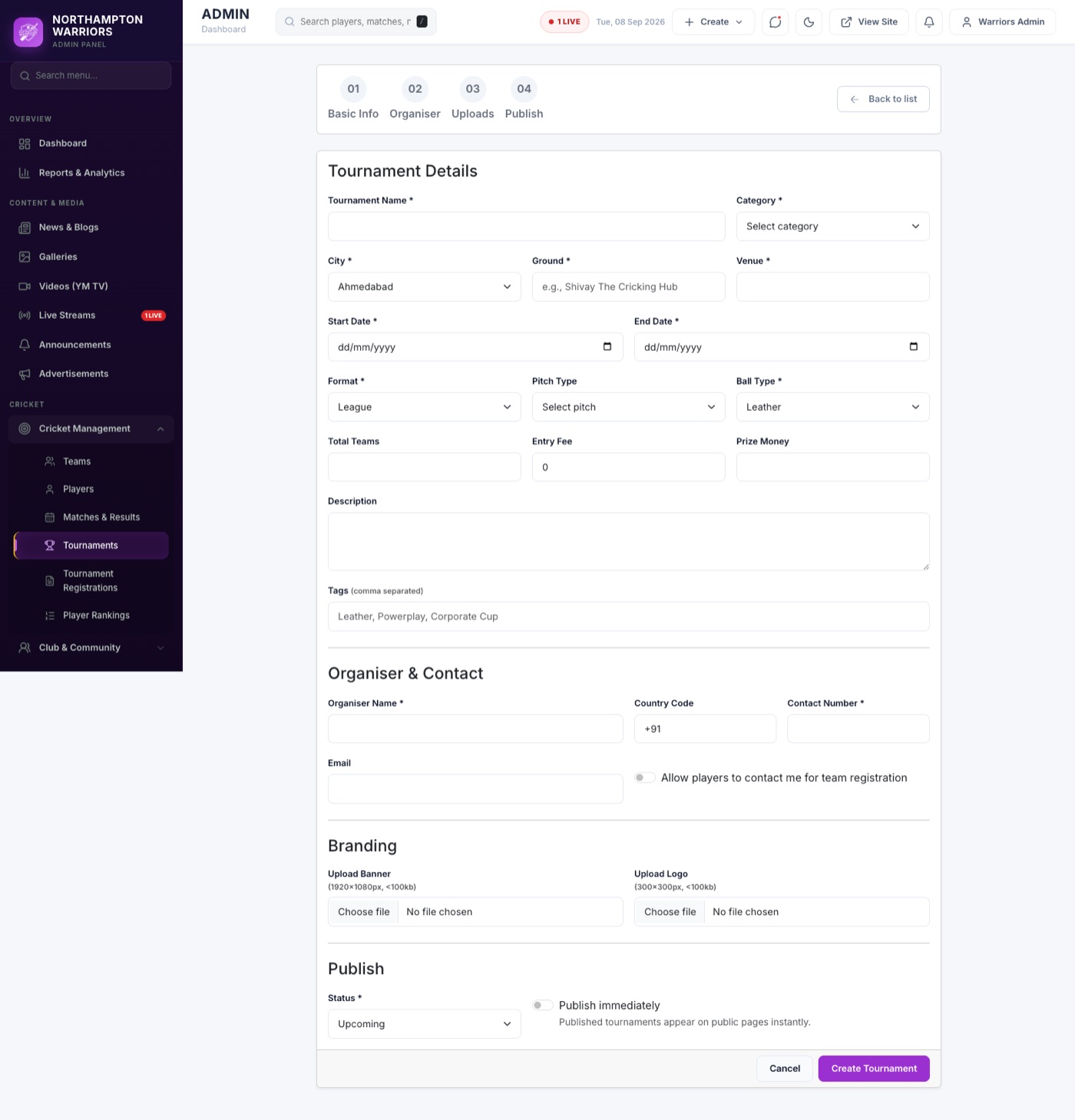
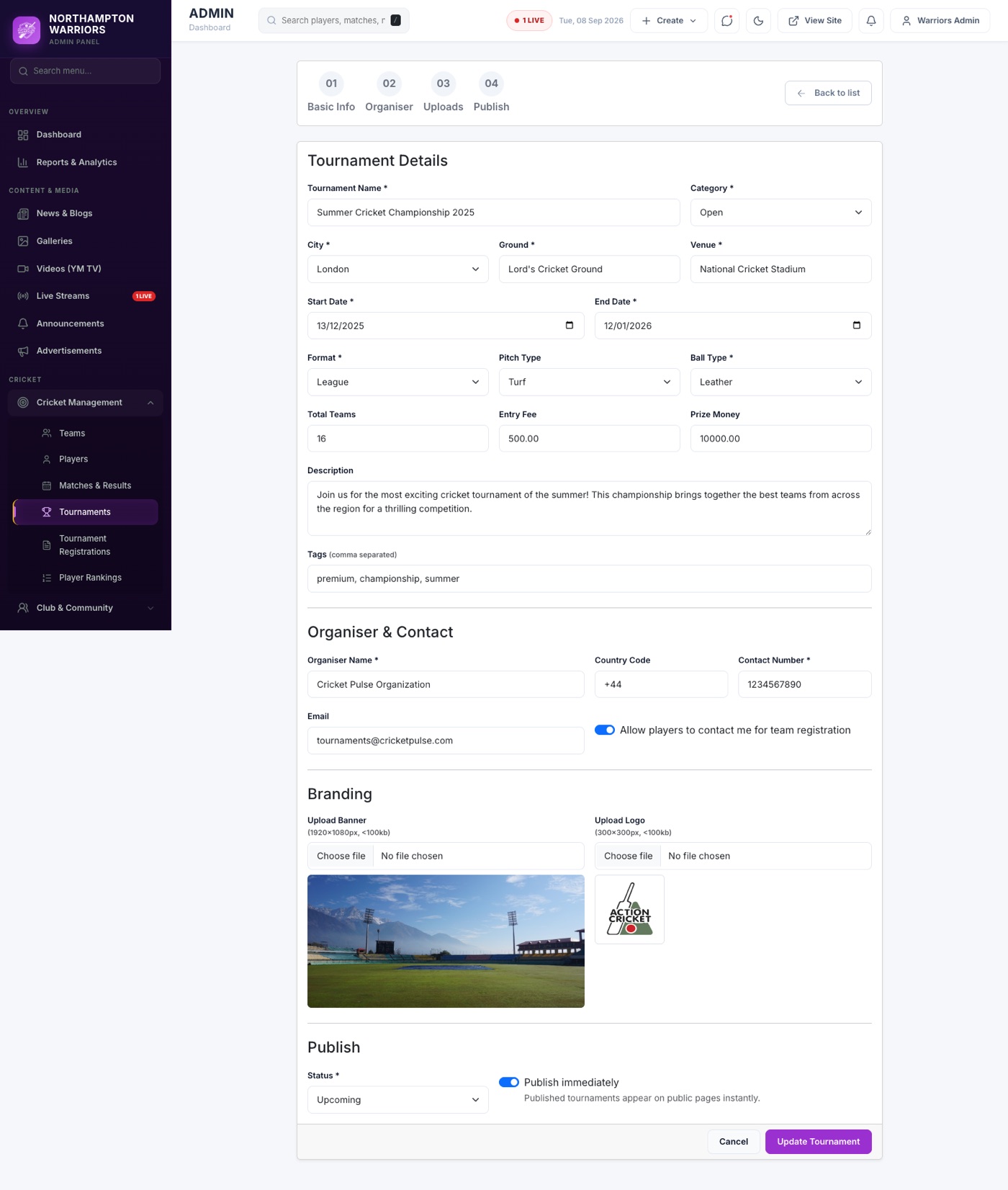
- Sidebar → Cricket → Tournaments → Add New.
- Enter the name, dates, format and status.
- Open the tournament and choose Points Table.
- Add each team with matches played, won, lost, tied, points and net run rate.
- Click Save — teams sort automatically by points, then net run rate.
Tournament Participations
Applications from teams asking to join one of your tournaments.

How to change it
- Sidebar → Cricket → Tournament Participations.
- Review each application and approve or decline it.
Player Rankings
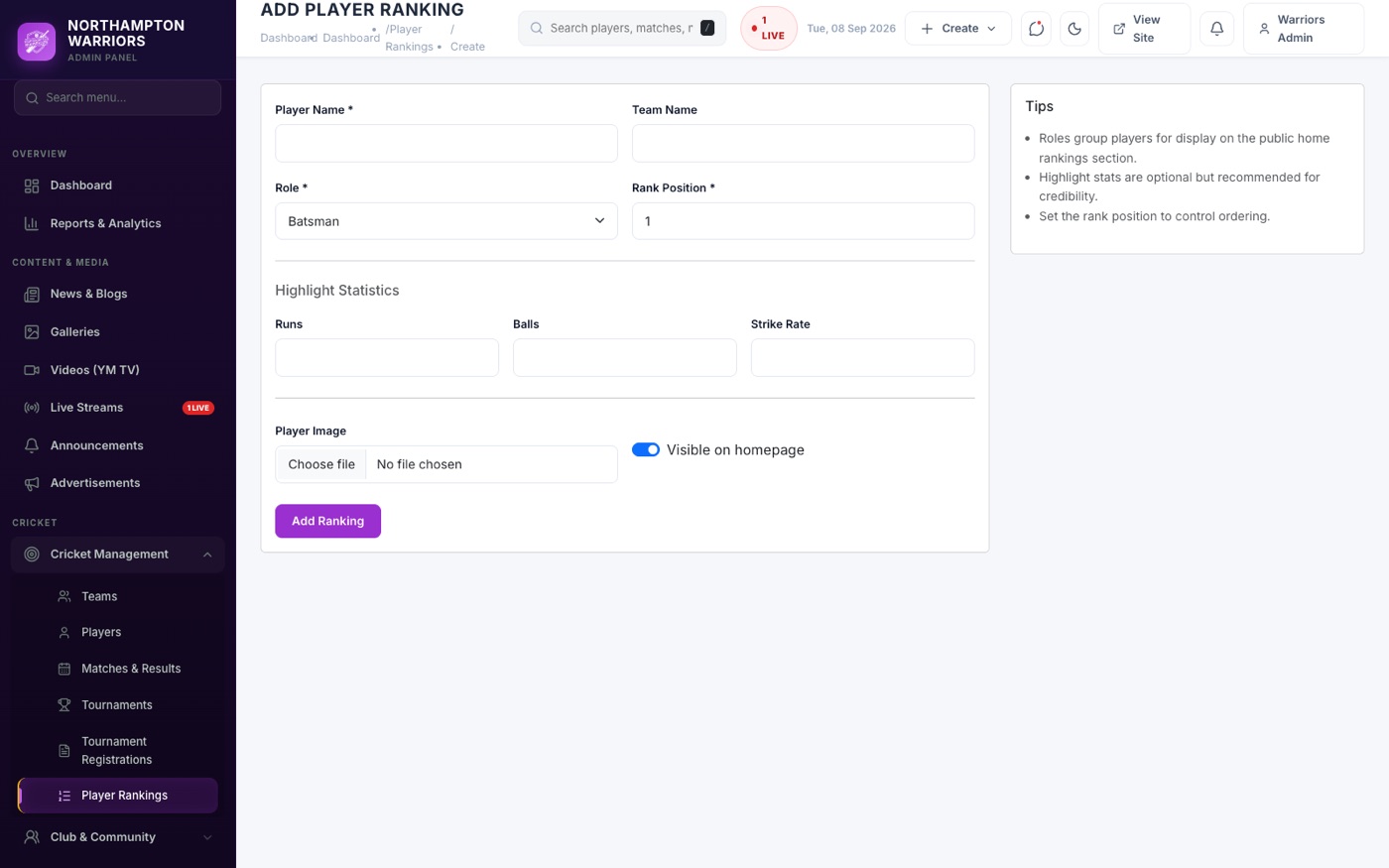
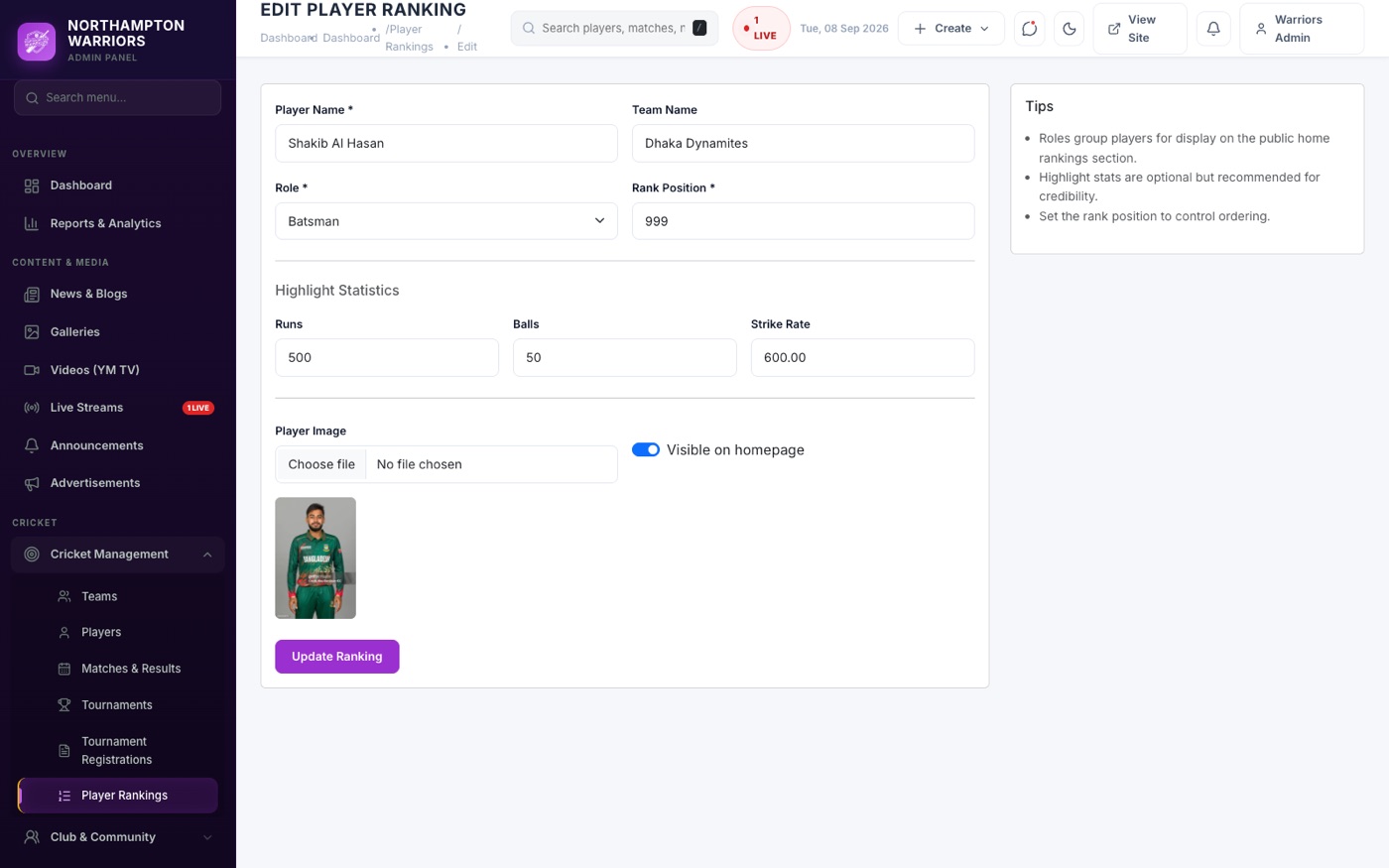
The leaderboard shown on the home page. A player must already exist under Players before you can rank them.

How to change it
- Sidebar → Cricket → Player Rankings → Add New.
- Choose the player, their role (batting, bowling or all-rounder) and their rank.
- Enter the statistics to show alongside them, then Save.
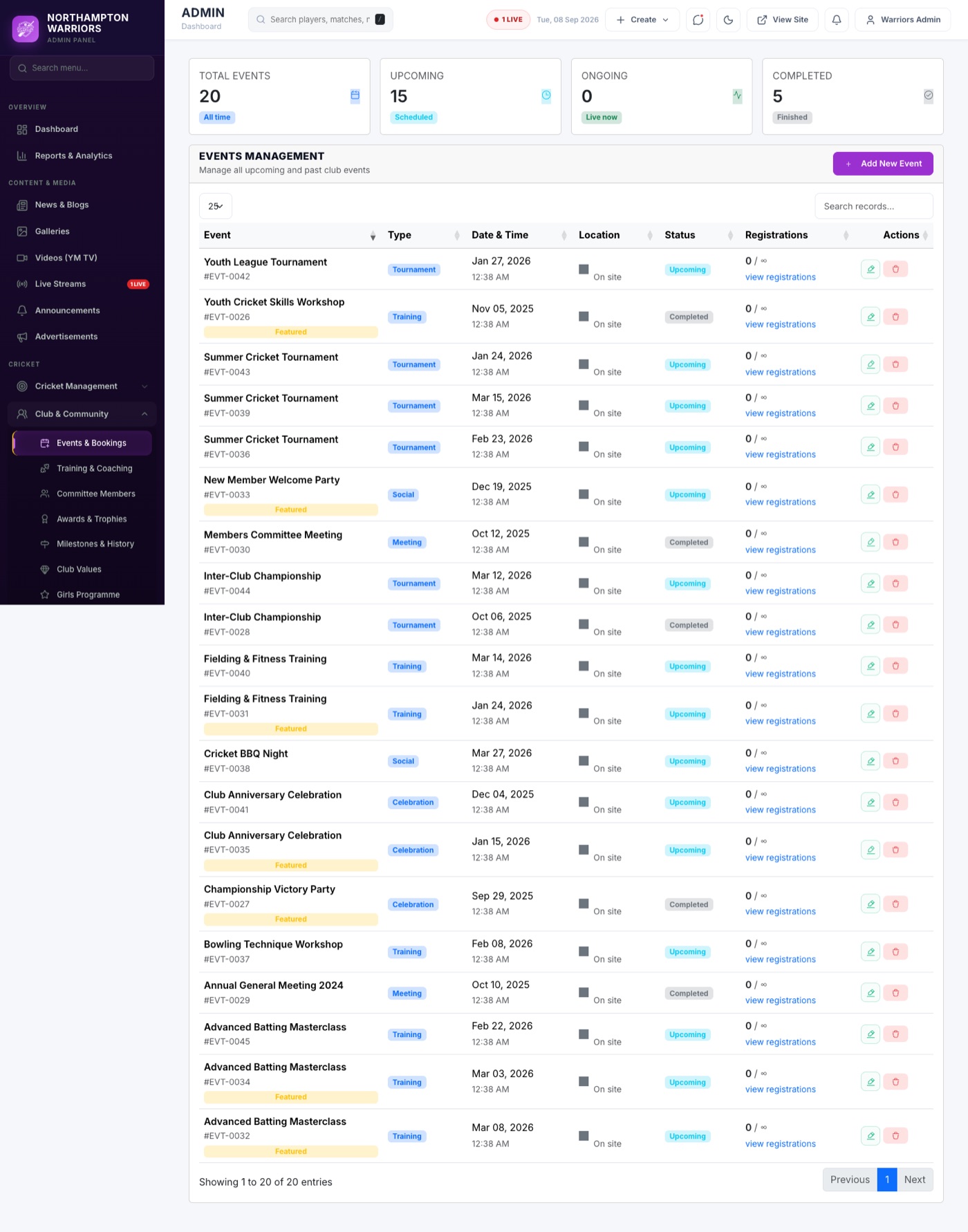
Events
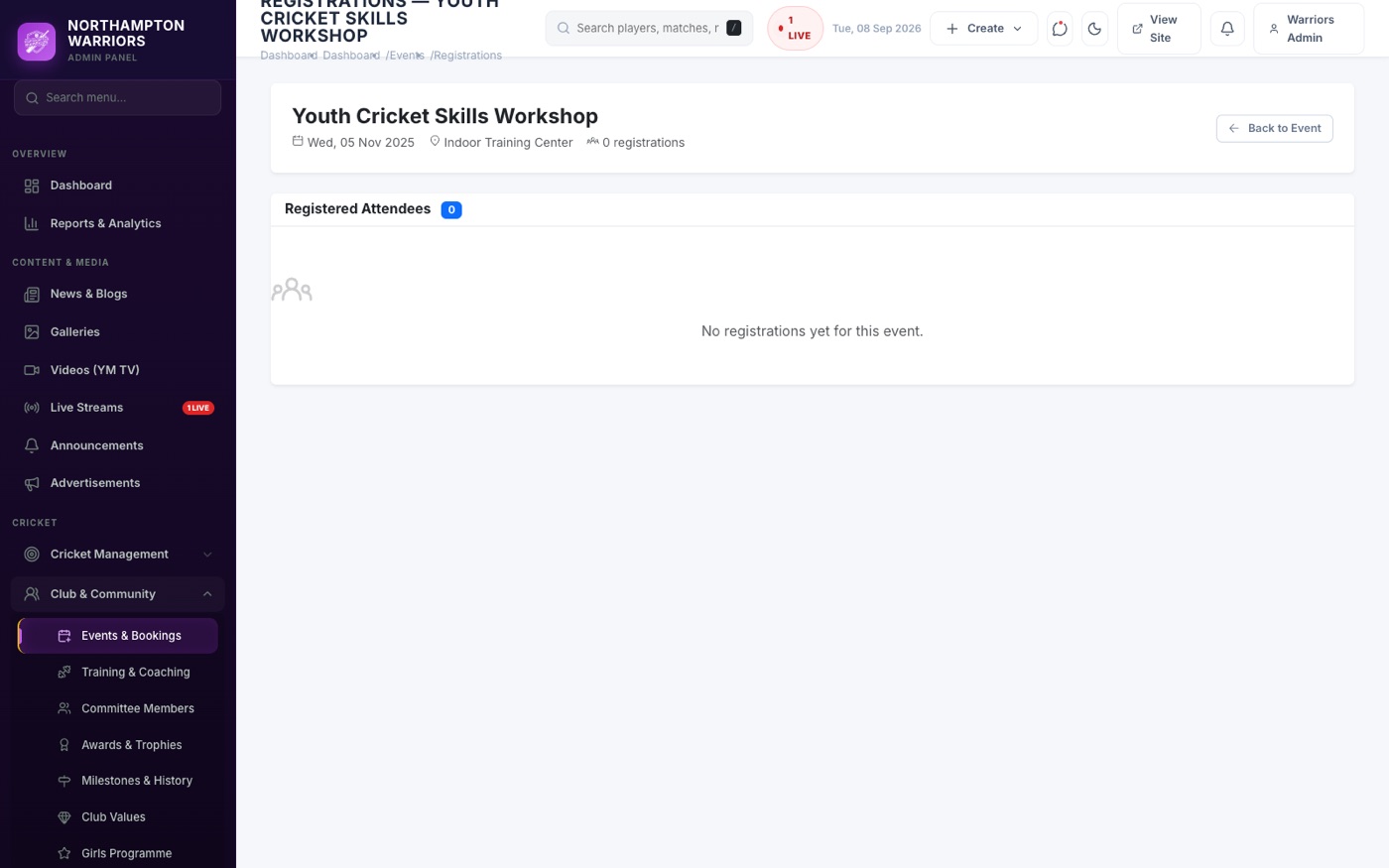
Club events — dinners, presentations, fundraisers and open days — plus who has signed up to attend.
How to change it
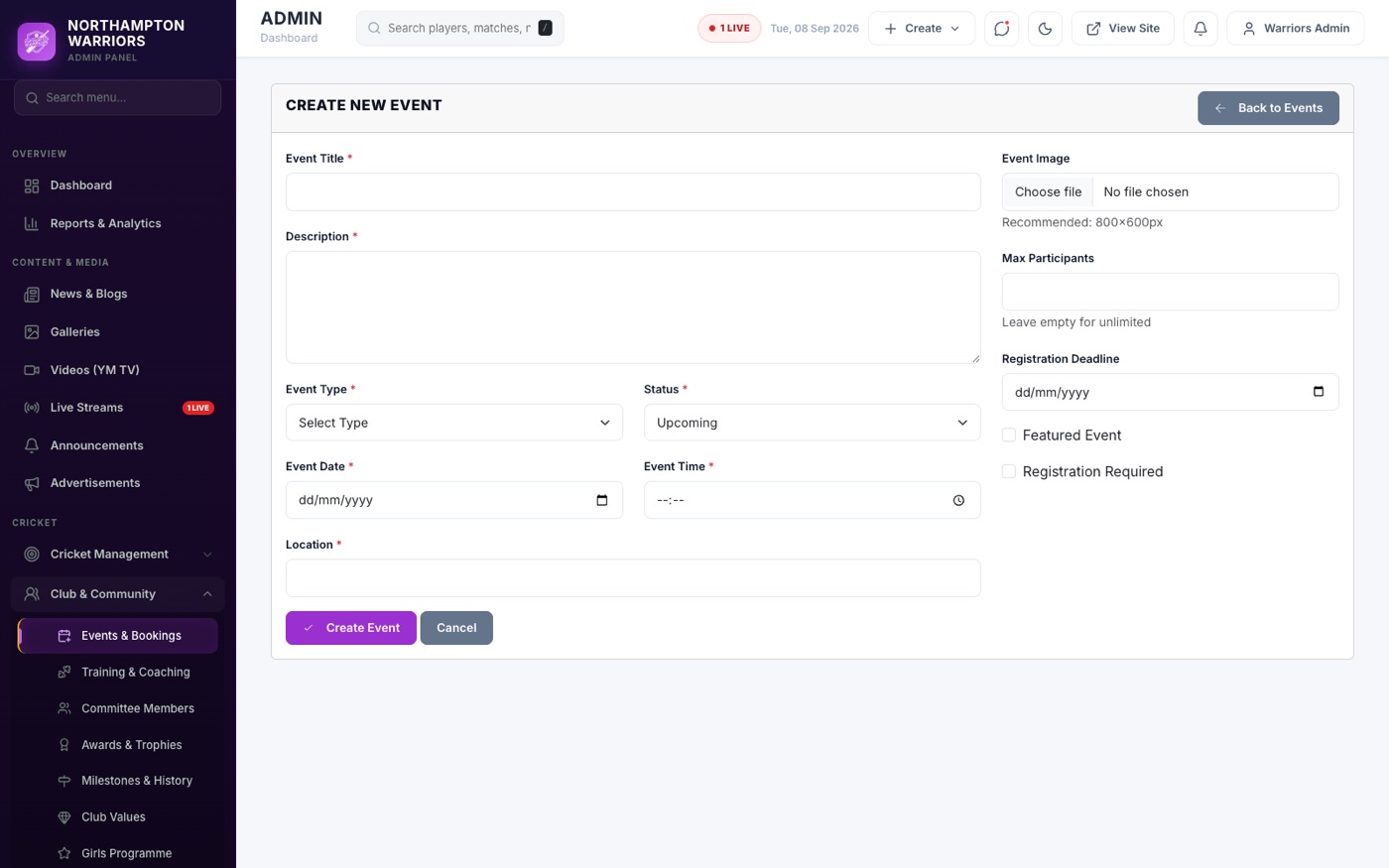
- Sidebar → Cricket → Events → Add New.
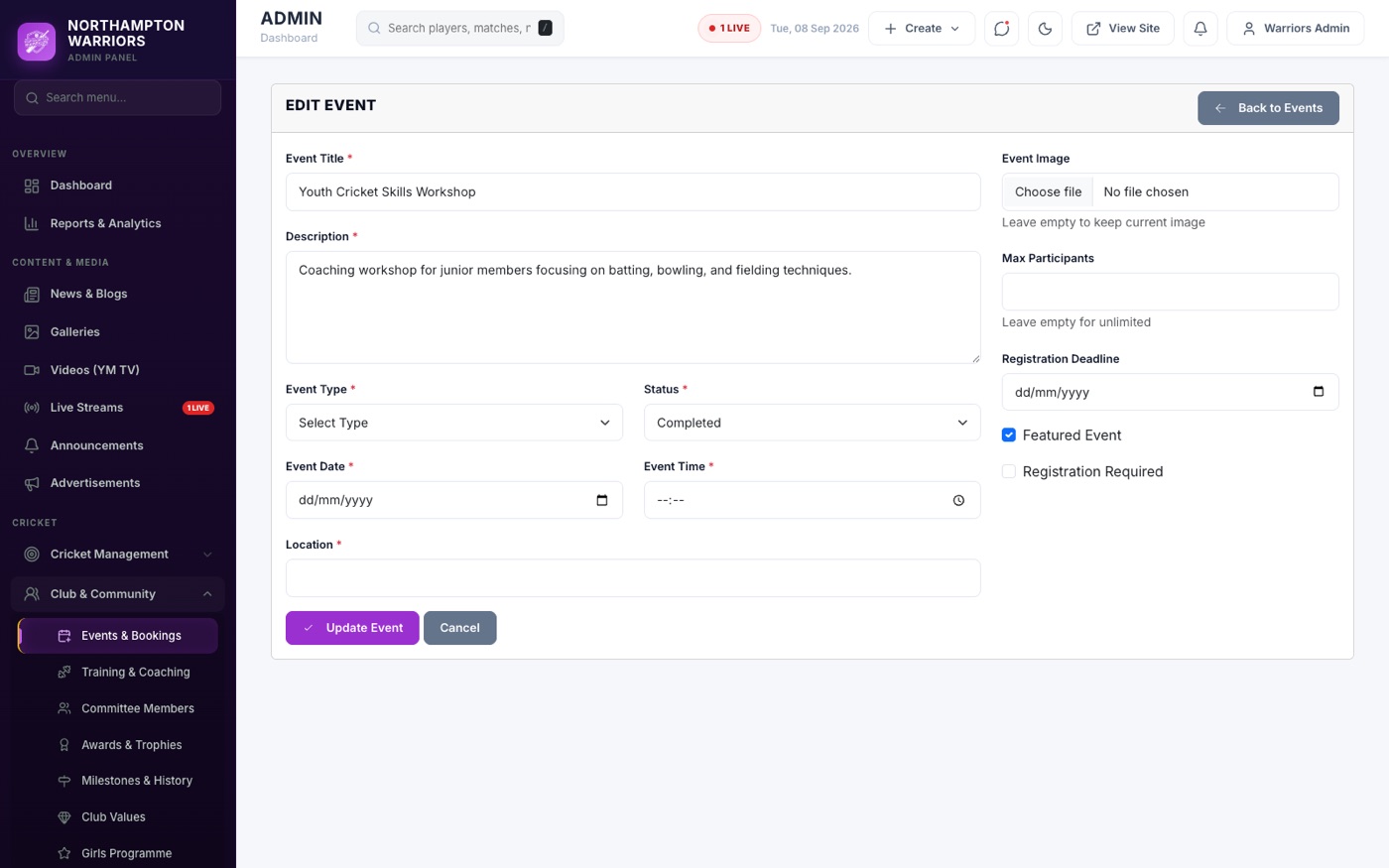
- Enter the name, date and time, venue, image and description.
- Click Save.
- To see who is coming, open the event and choose Registrations.
Training
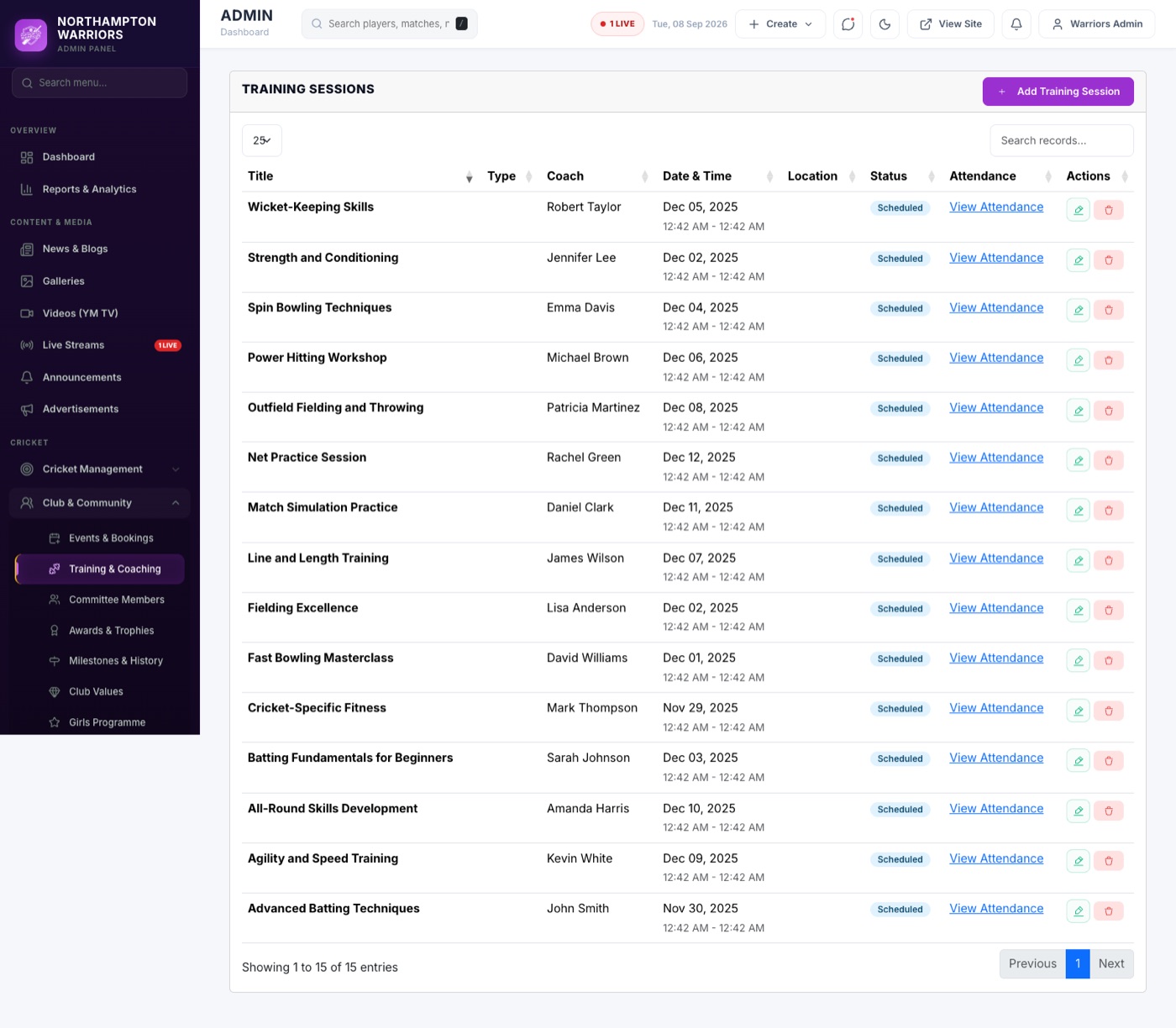
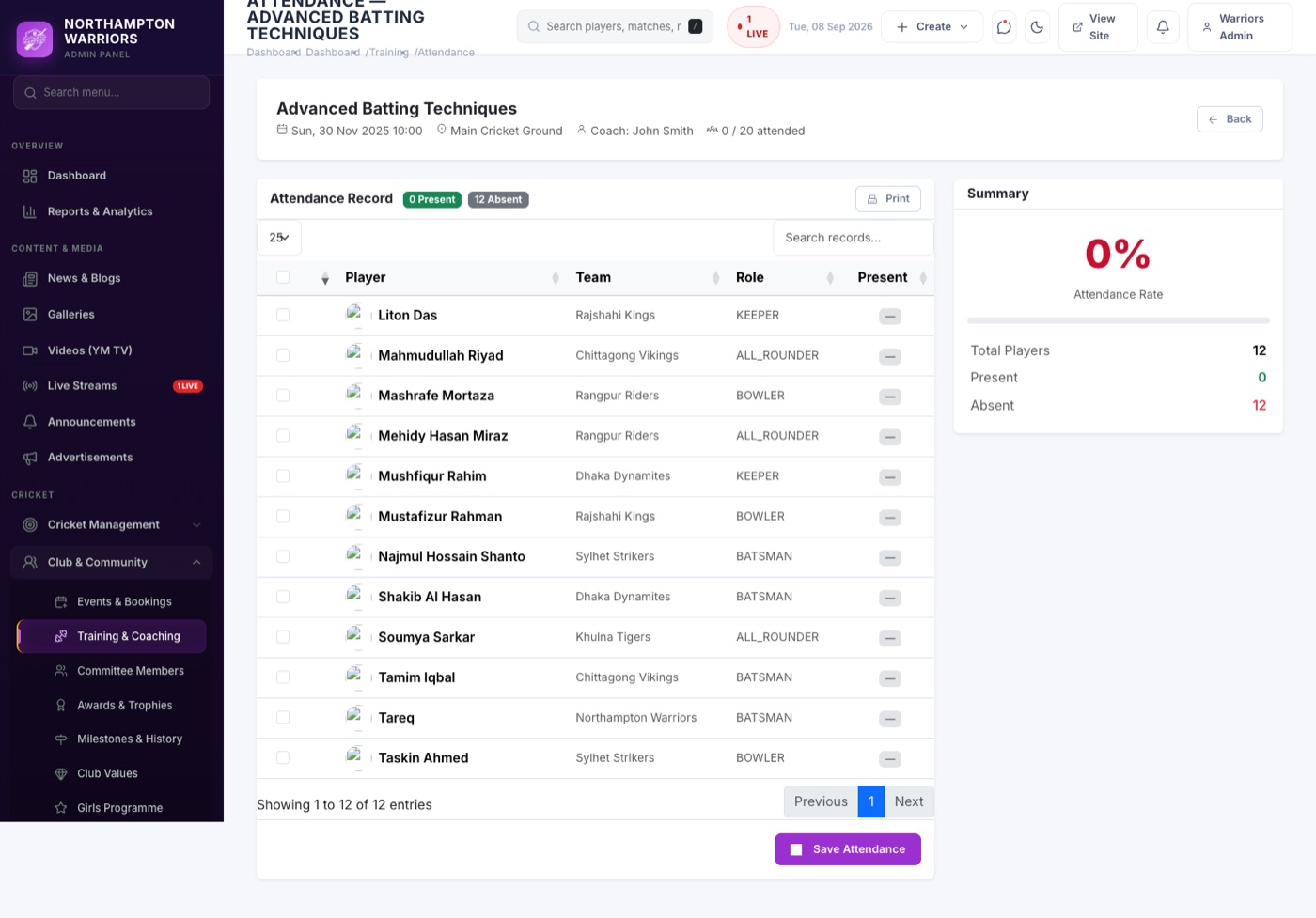
Training sessions and attendance registers.
How to change it
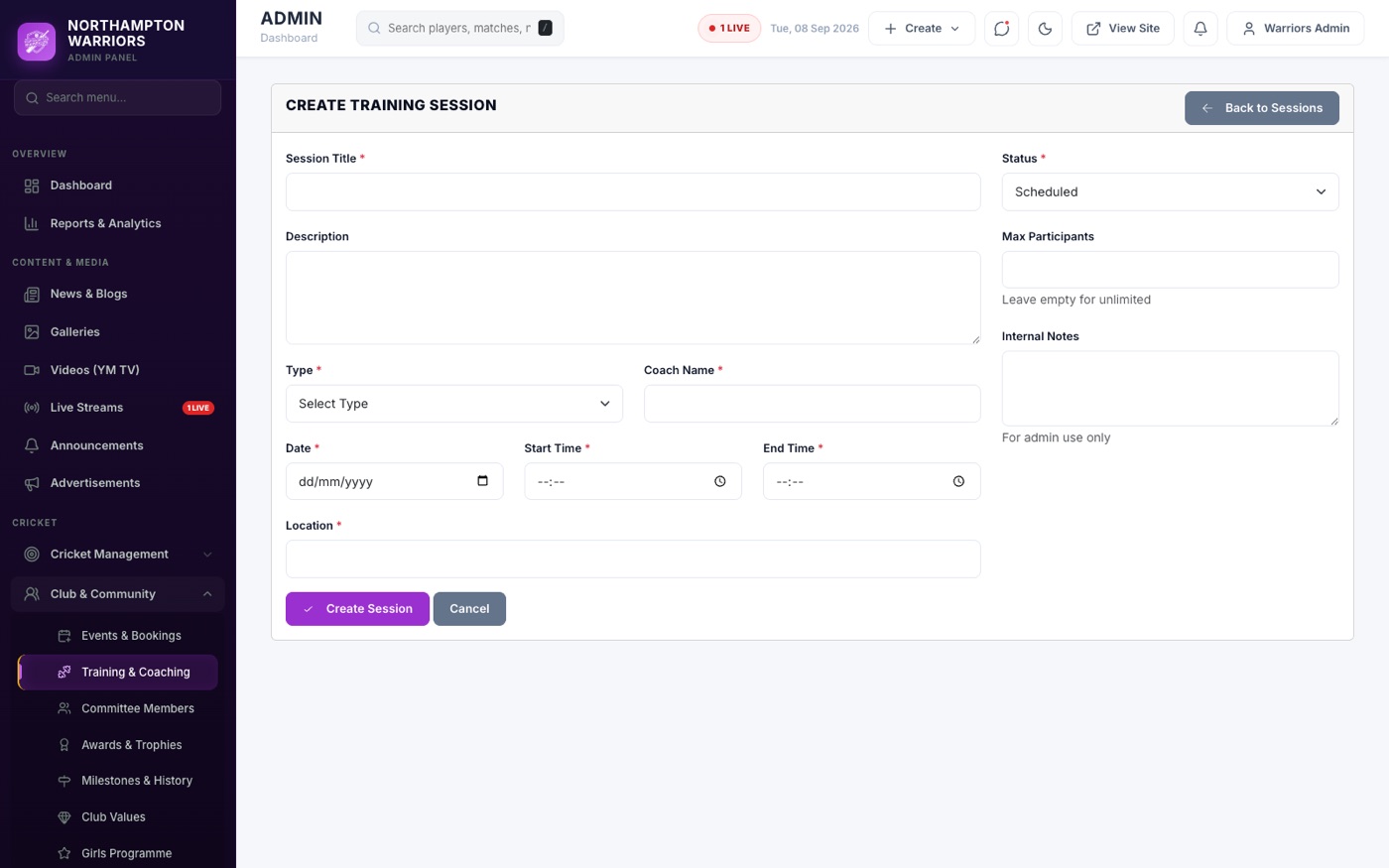
- Sidebar → Cricket → Training → Add New.
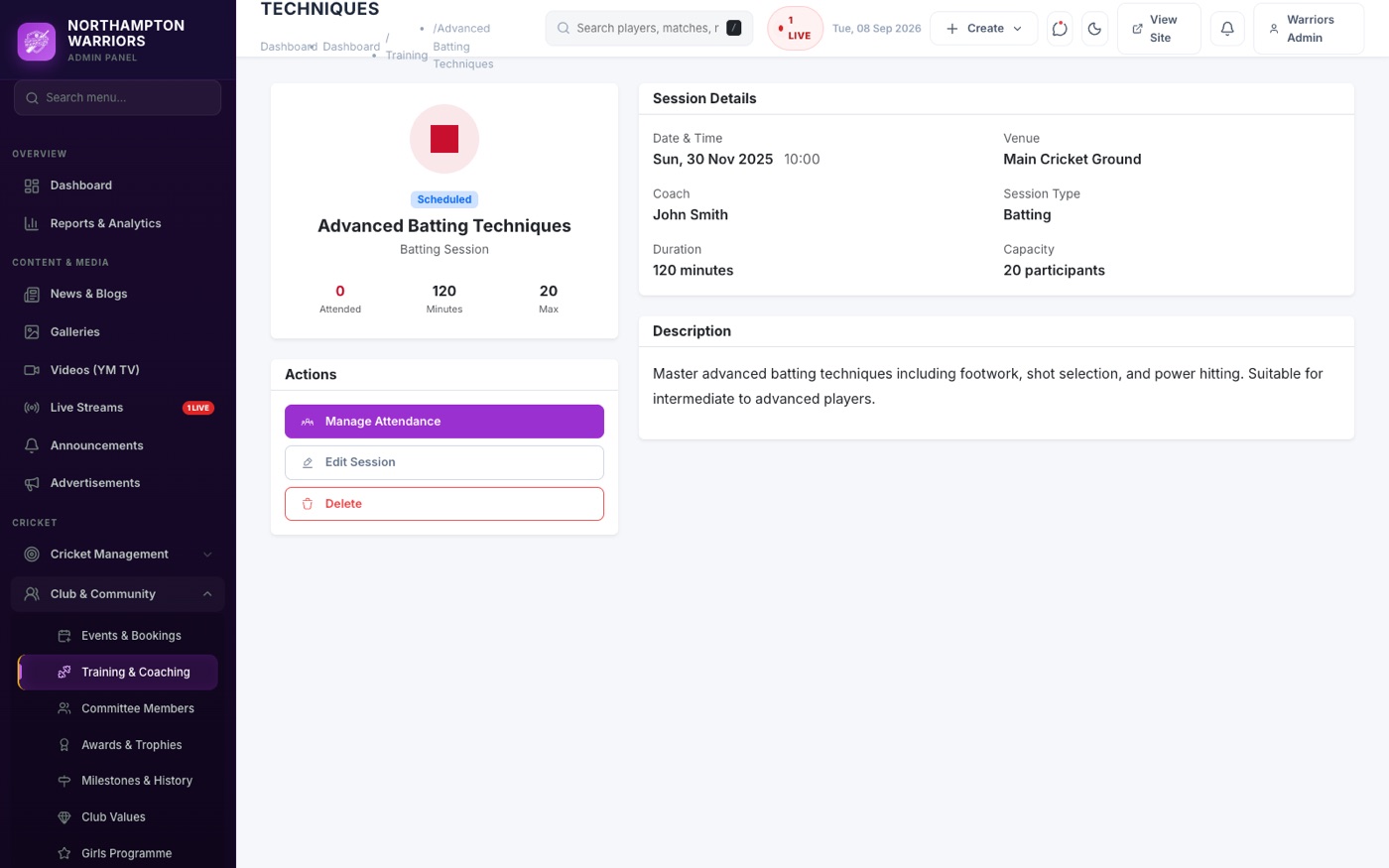
- Enter the title, date and time, venue, coach and capacity.
- Click Save.
- To record who came, open the session and choose Attendance.
Committees
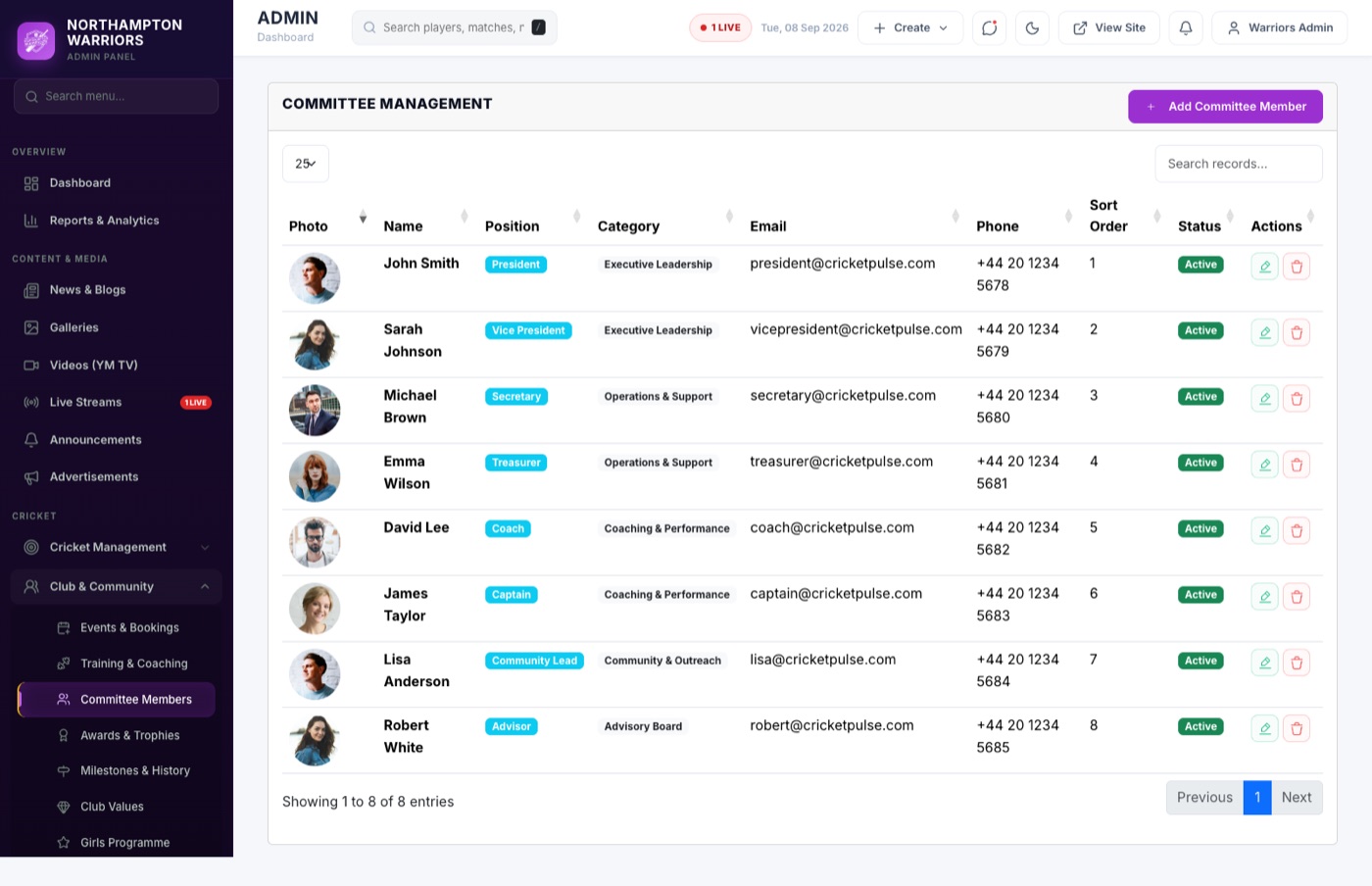
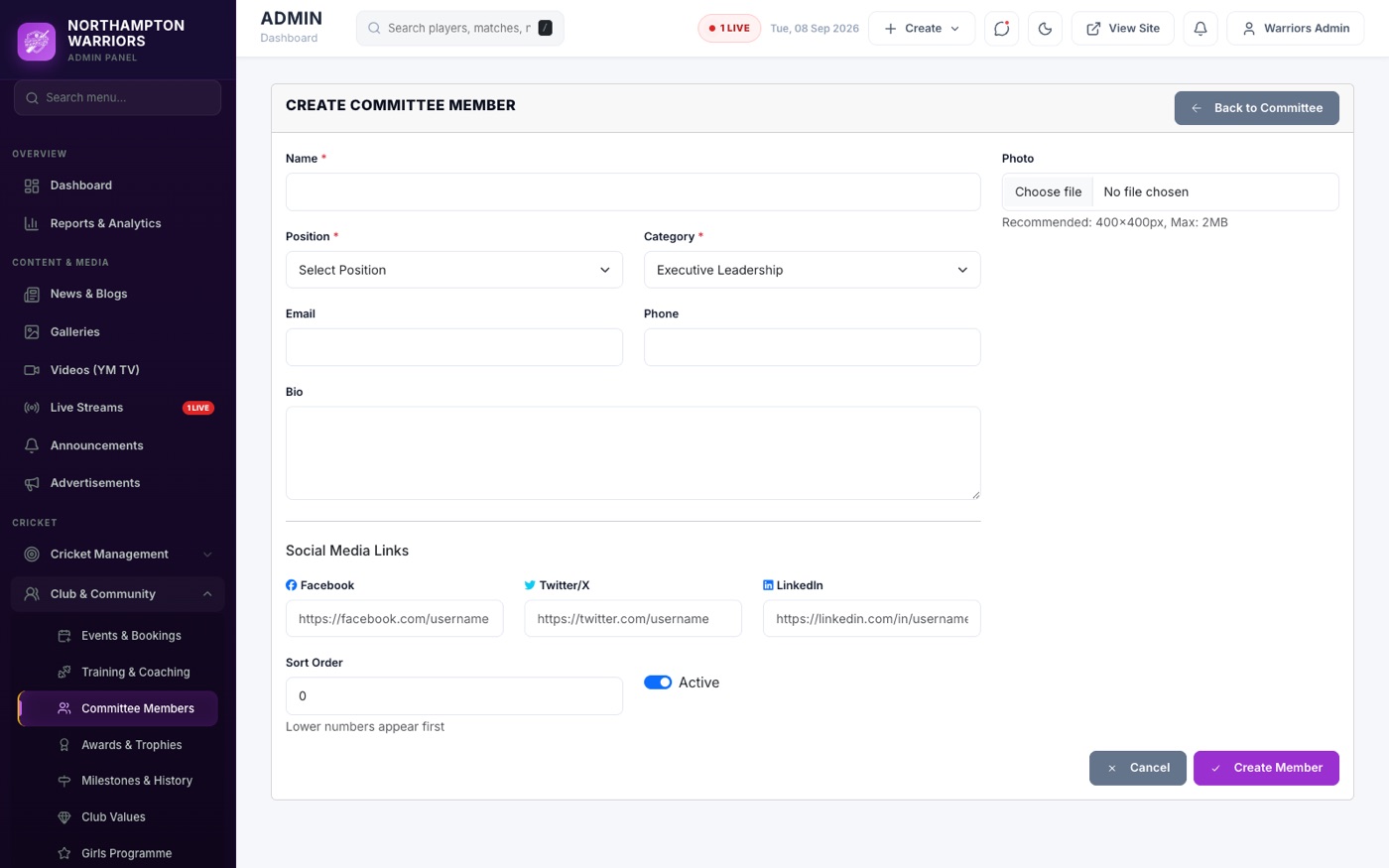
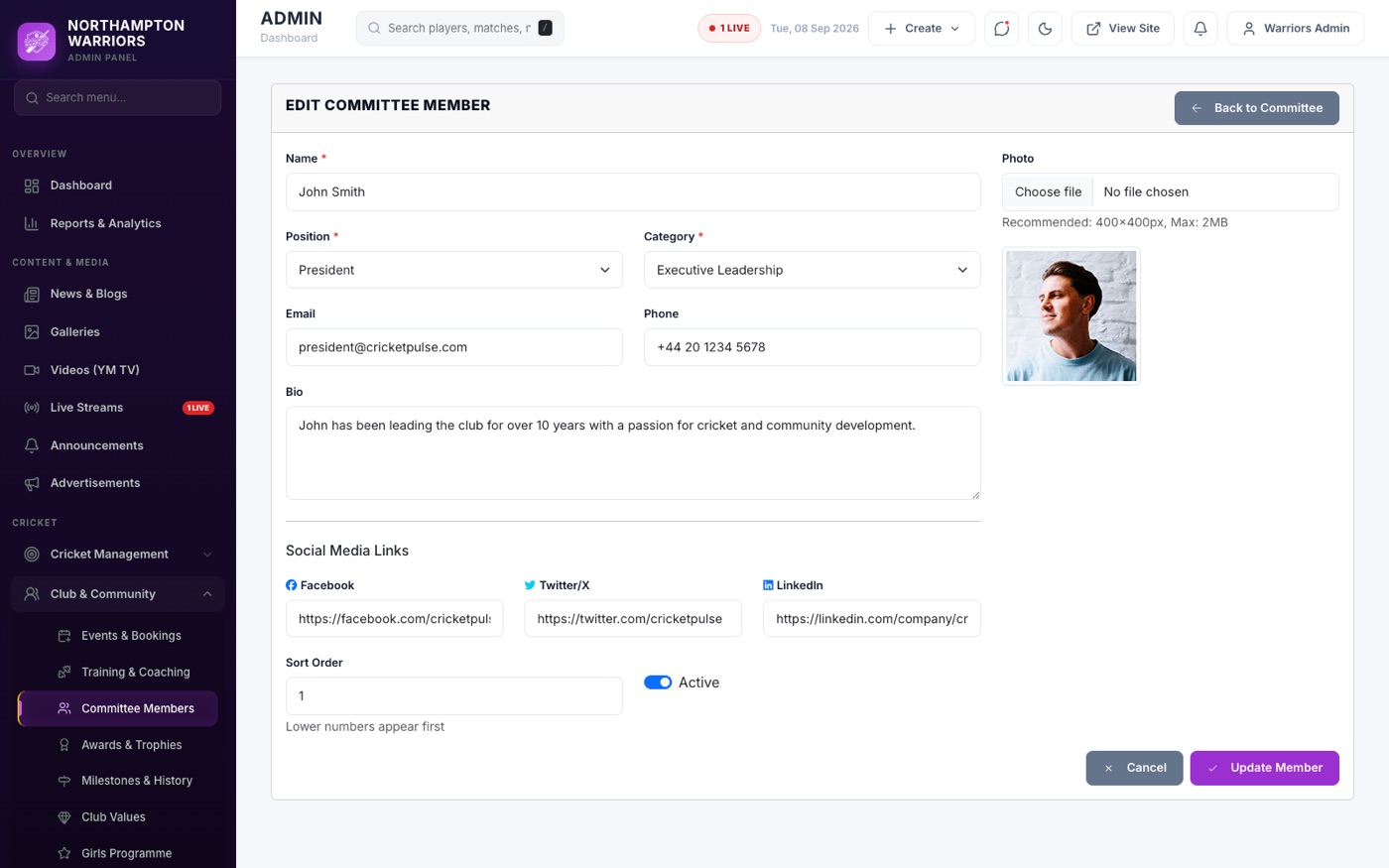
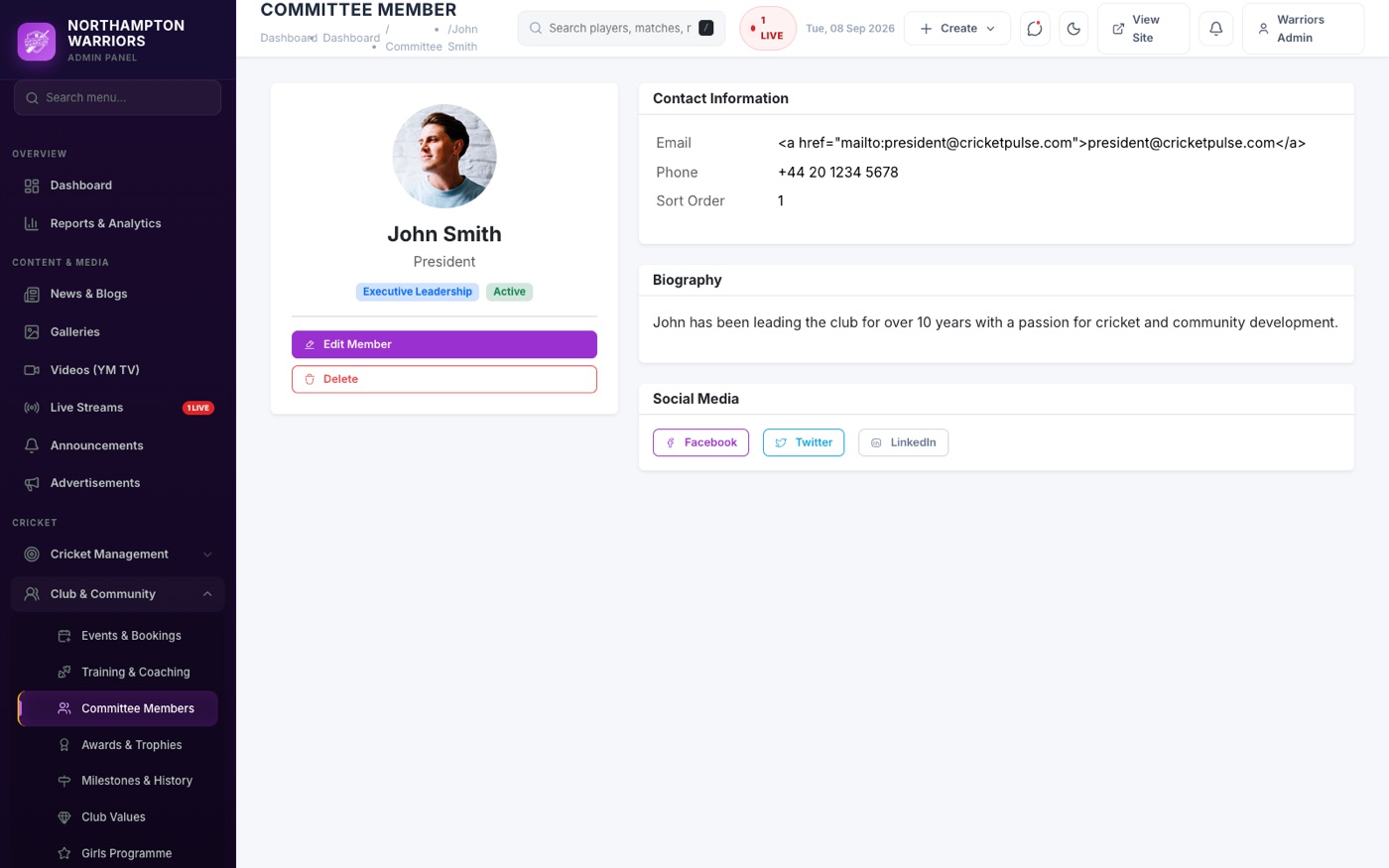
Your committee members and club officers. Feeds both the Our Team page and the Committee page.
How to change it
- Sidebar → Cricket → Committees → Add New.
- Enter the person’s name, position, photo and display order.
- Click Save.
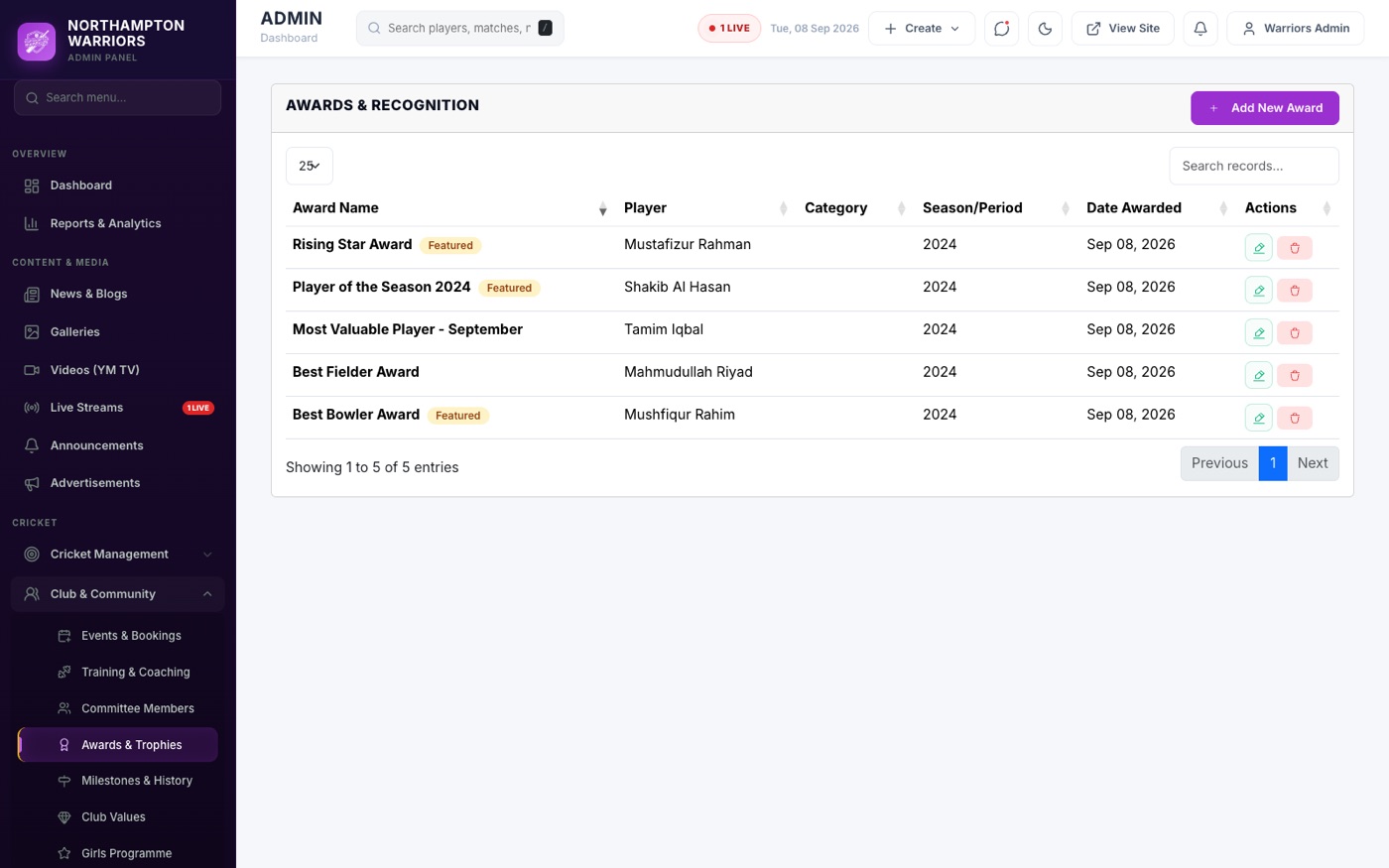
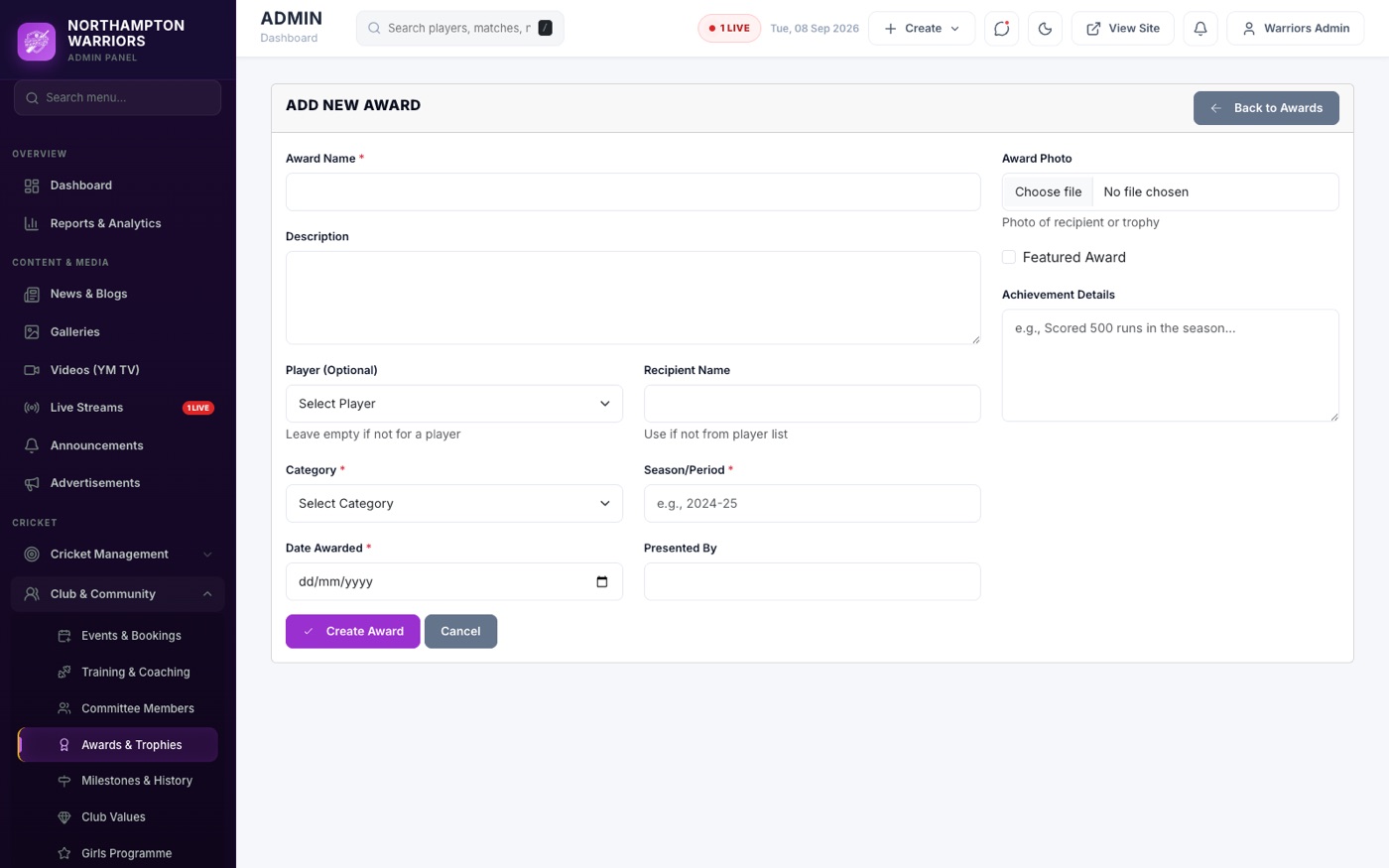
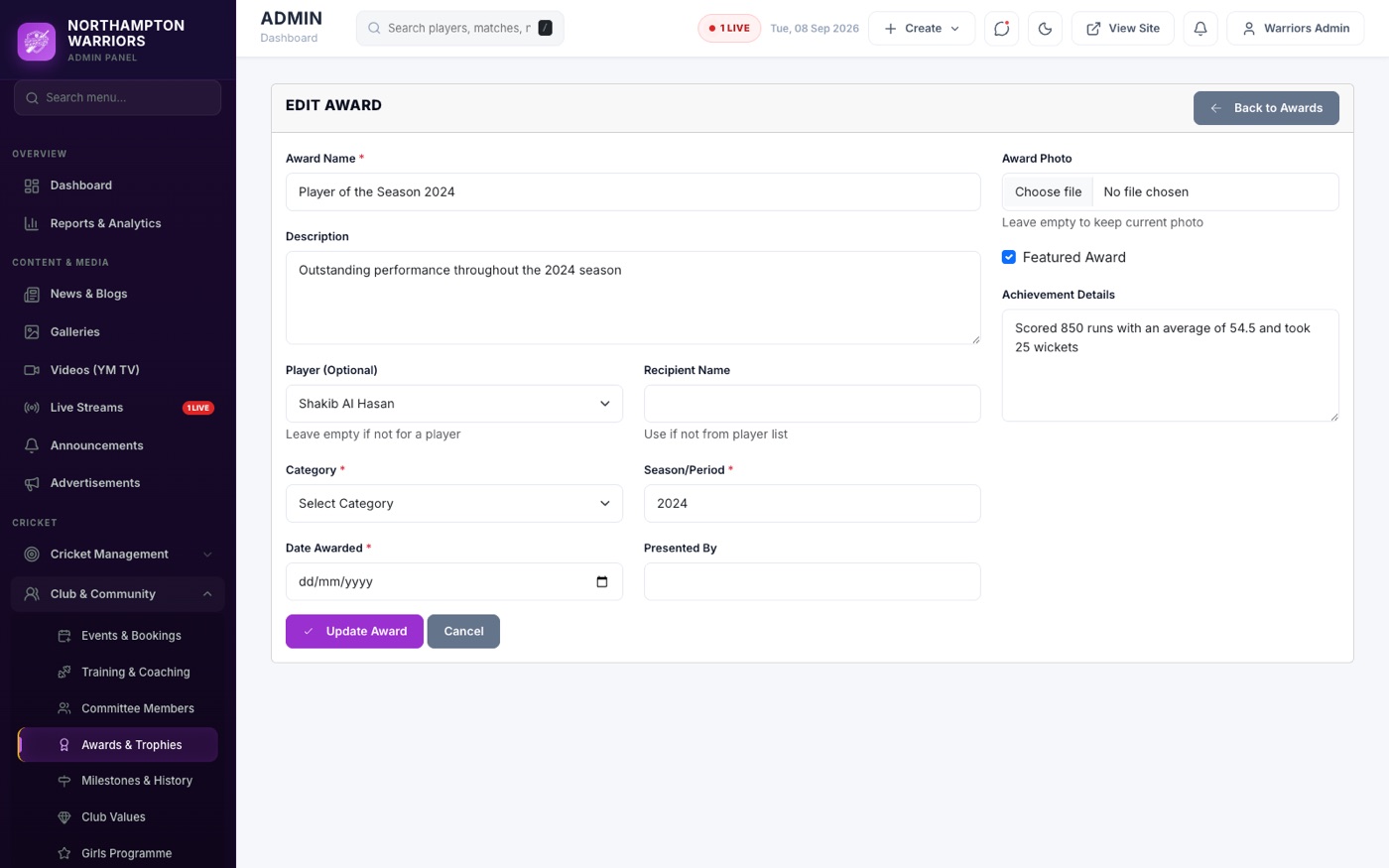
Awards
Club honours, player of the year and trophies won.
How to change it
- Sidebar → Cricket → Awards → Add New.
- Enter the award name, year, recipient and a photo.
- Click Save.
Club Milestones
The timeline shown on the Our Future page.


How to change it
- Sidebar → Cricket → Club Milestones.
- Add a milestone with its year, title and description, then Save.
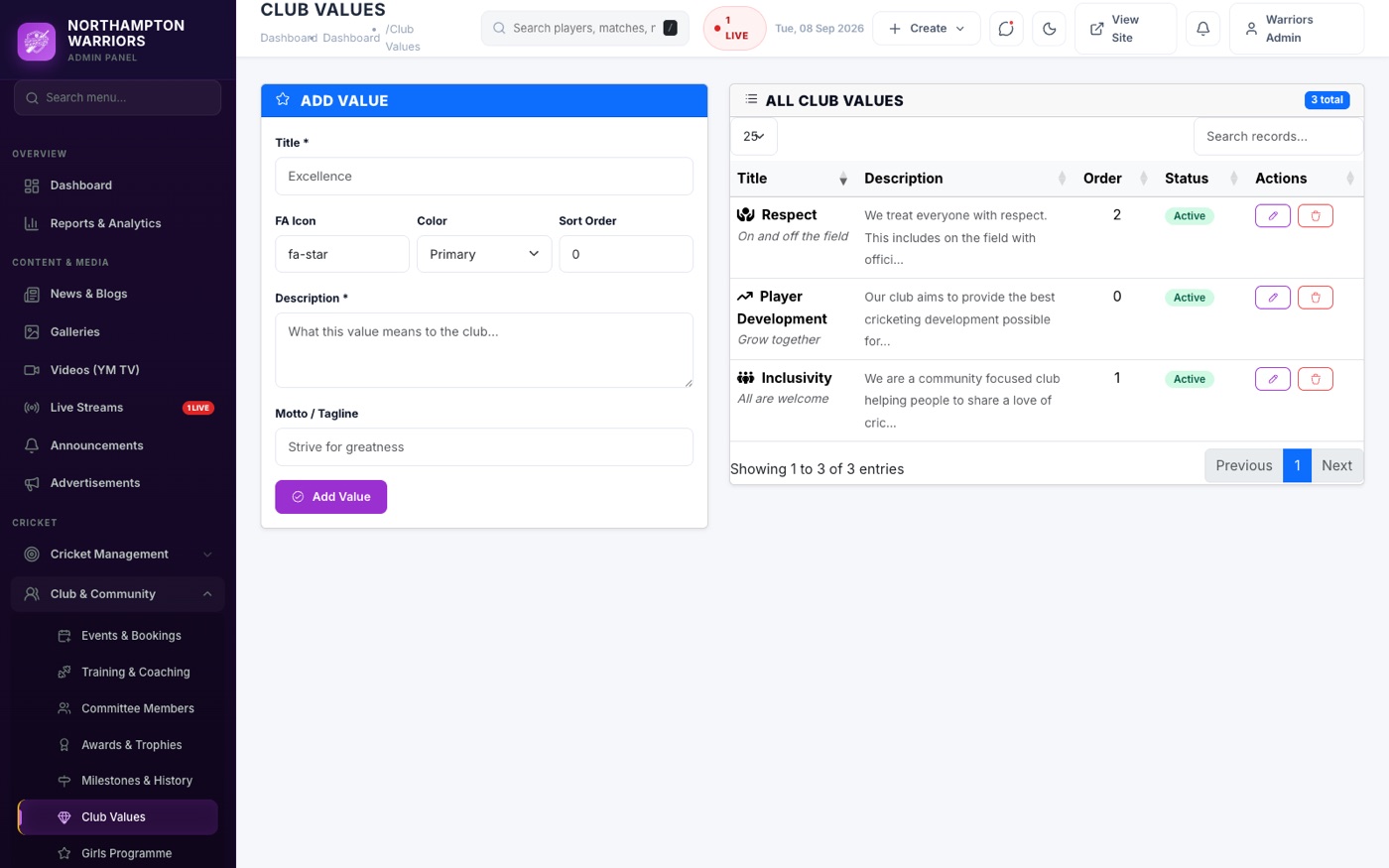
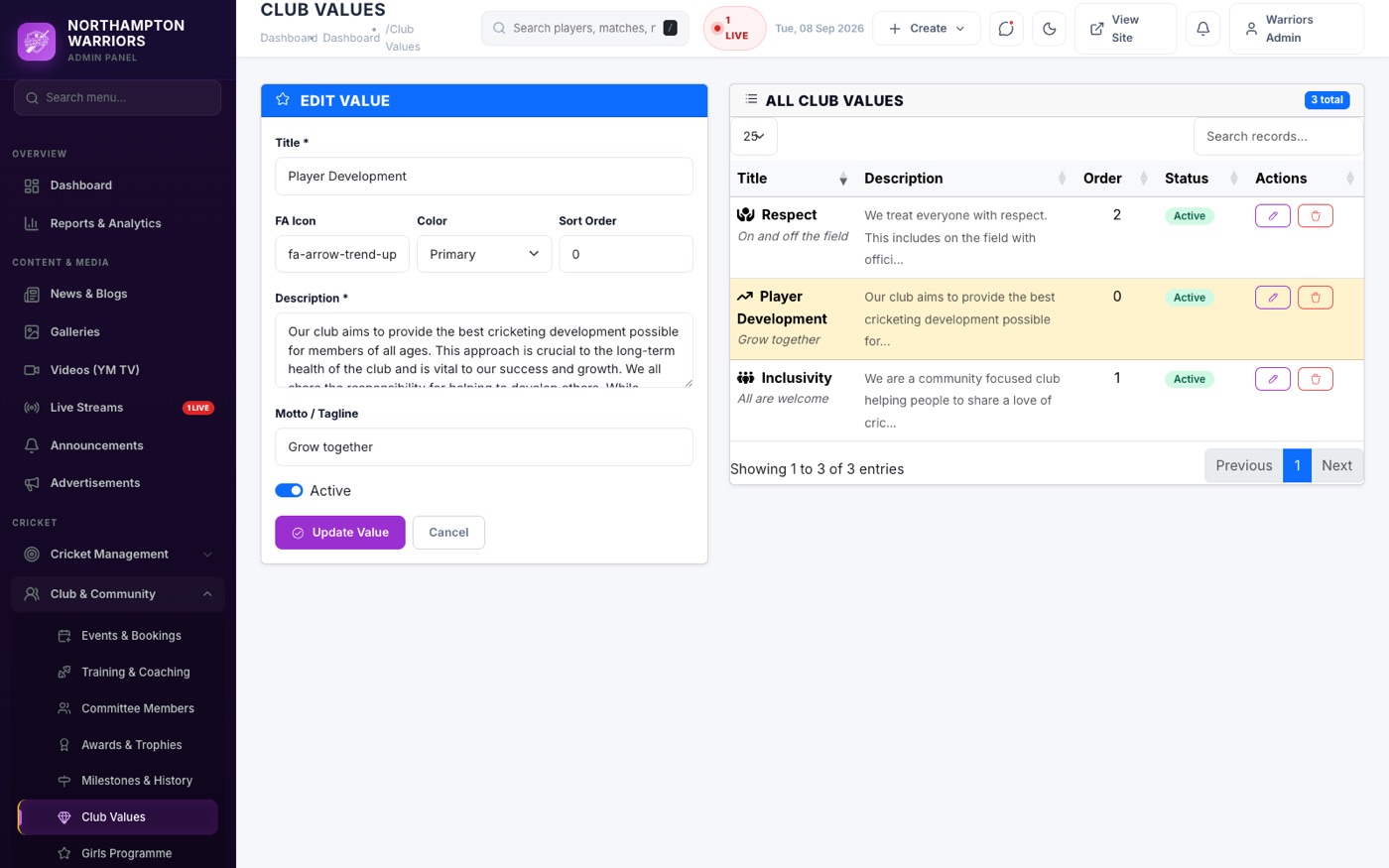
Club Values
The value cards shown on the Our Values page.
How to change it
- Sidebar → Cricket → Club Values.
- Add a value with its title, description and icon, then Save.
Girls Academy
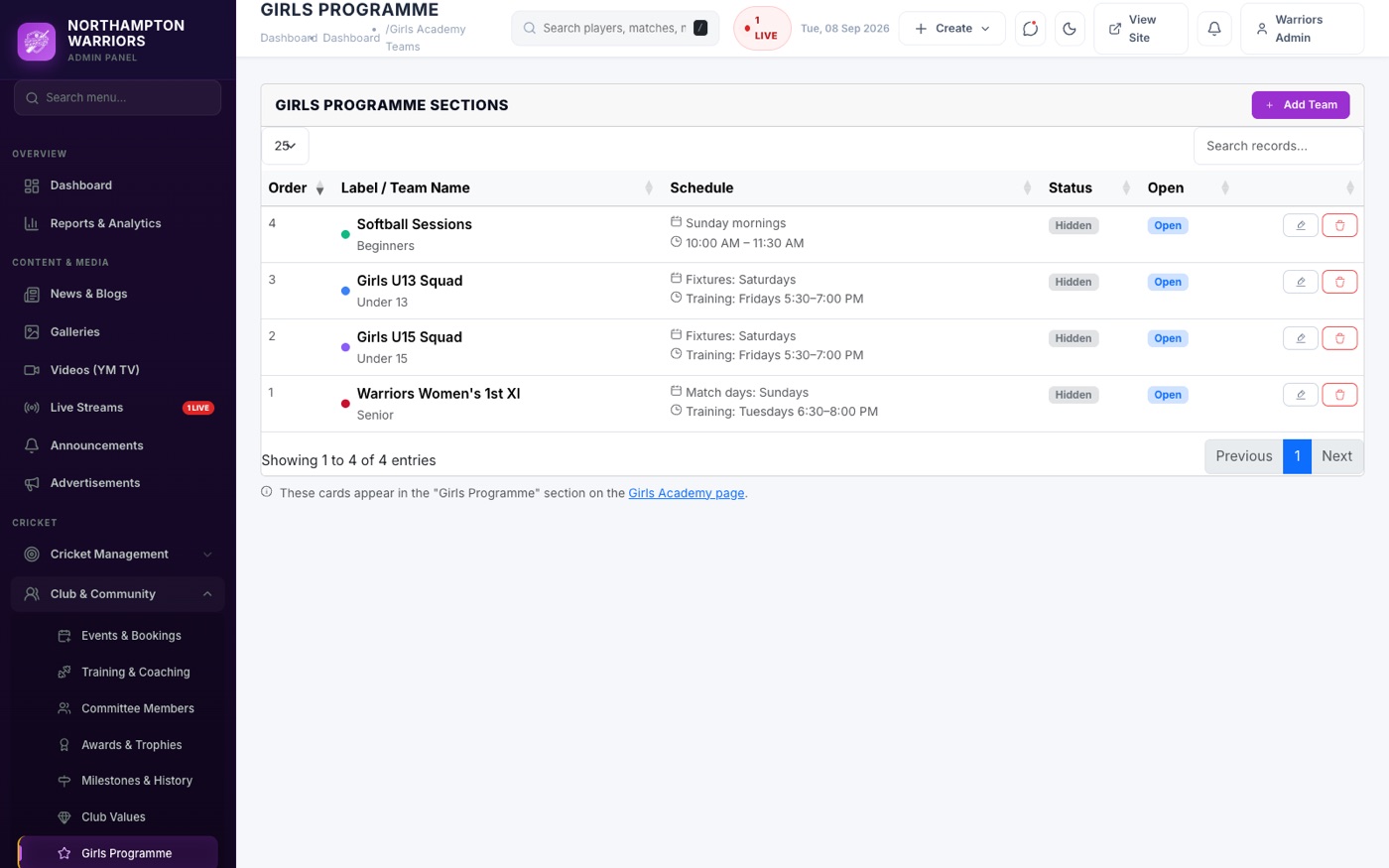
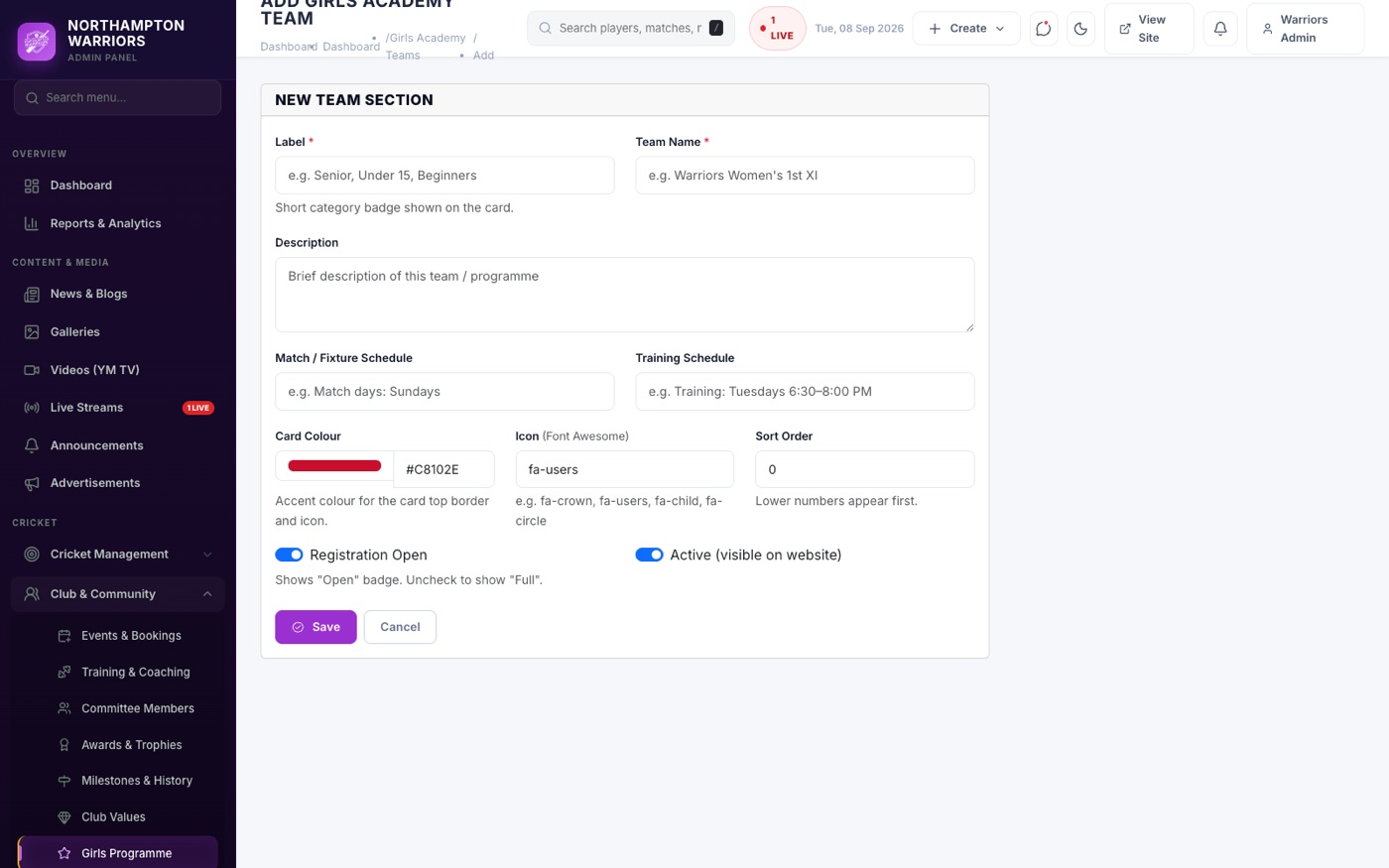
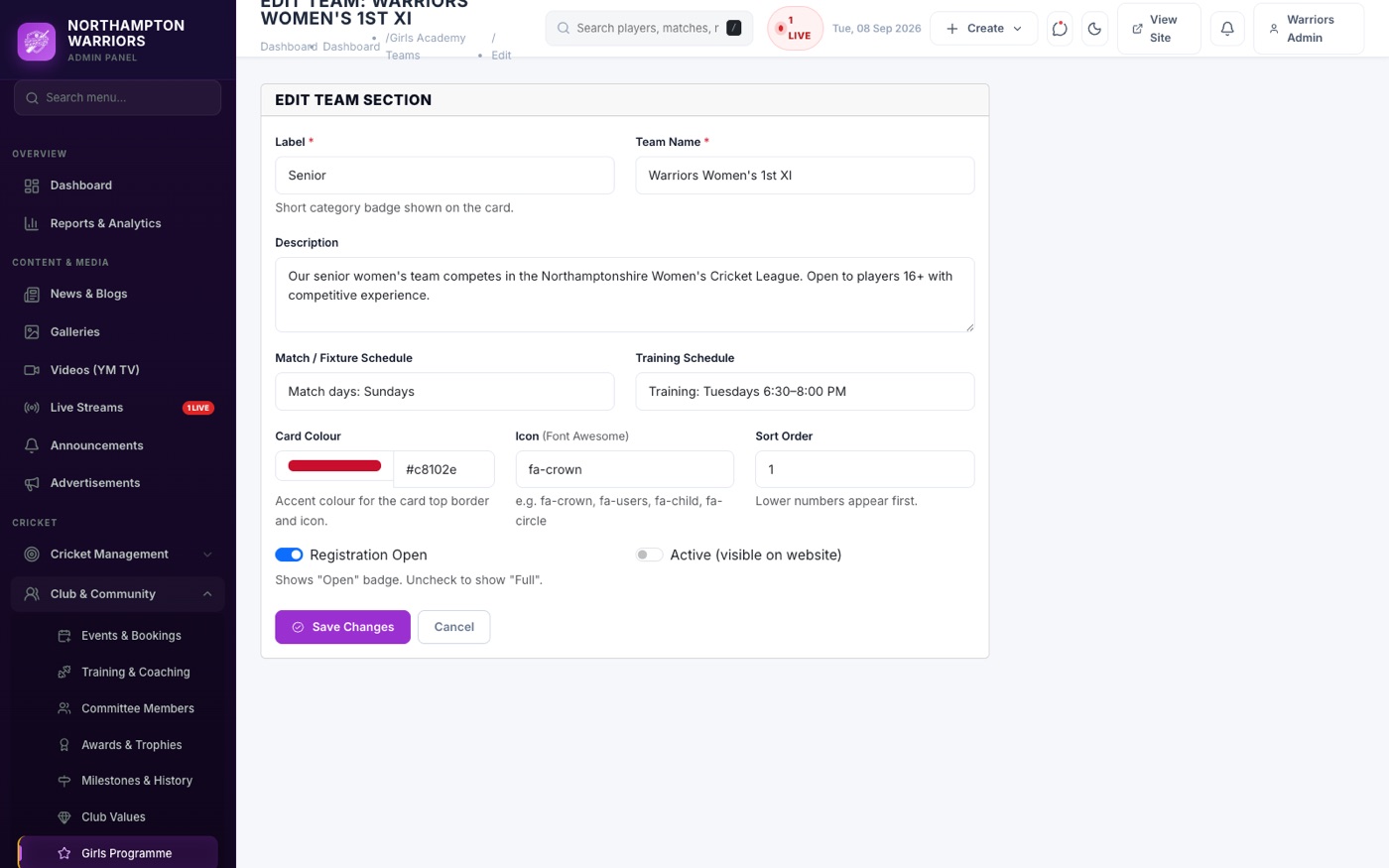
Teams and groups shown on the Girls Programme page.
How to change it
- Sidebar → Cricket → Girls Academy → Add New.
- Enter the team or group name, age range, description and photo.
- Click Save.